Core Features
Setup
Developer API
Your own button actions
-- CustomHandlers, a module inside the pack.
-- Updates never overwrite this file.
return {
    Rebirth = function(button)
        -- Runs when a button whose Action attribute
        -- says "Rebirth" is clicked.
        print(button.Name, "was pressed")
    end,
}Customisation
Buttons, and which of them show
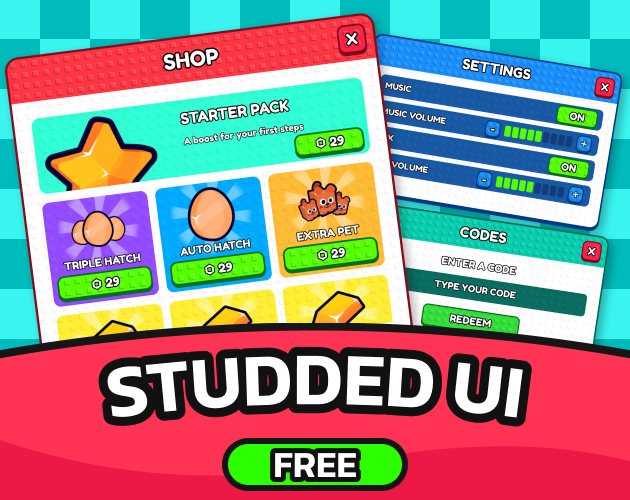
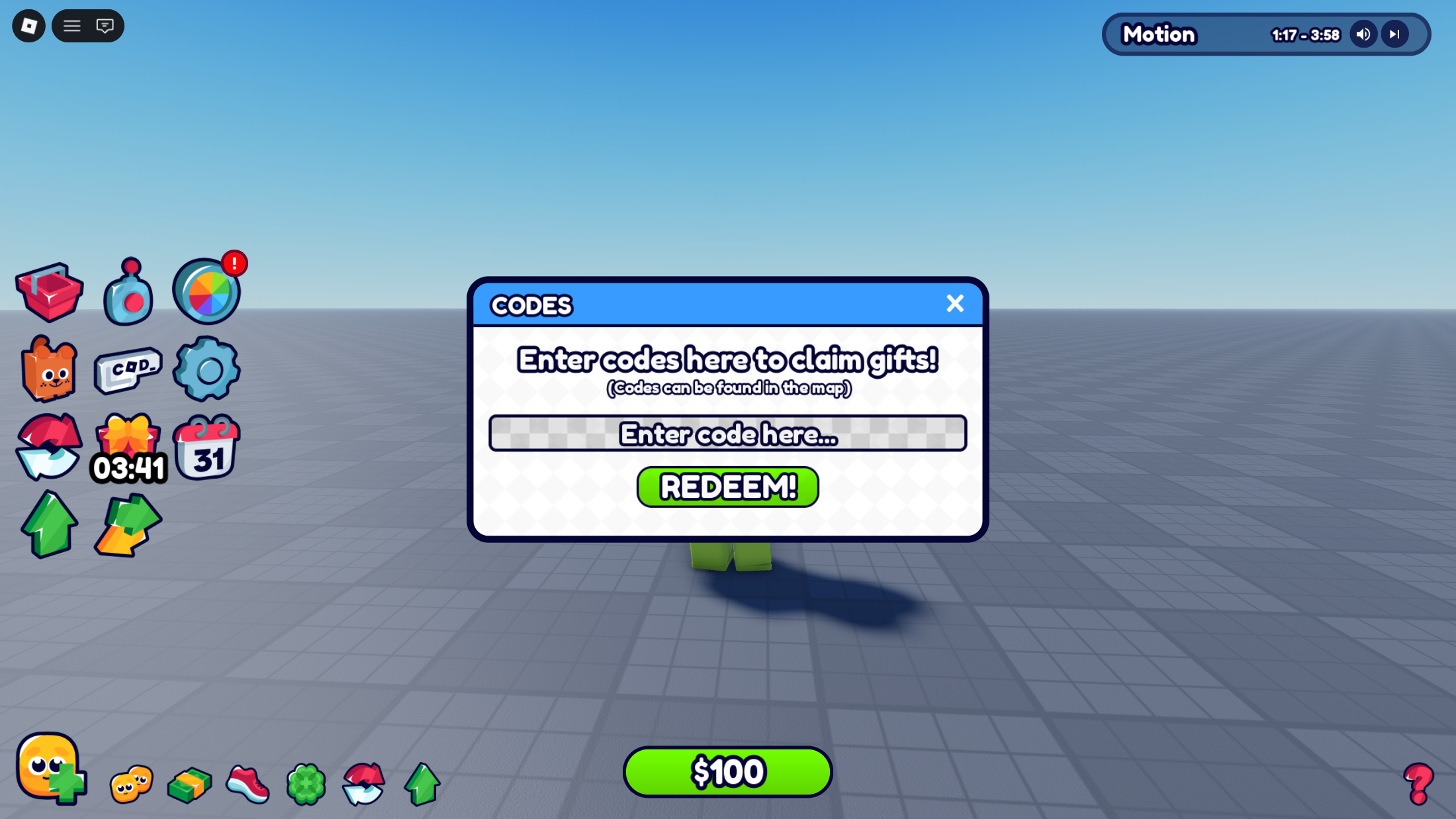
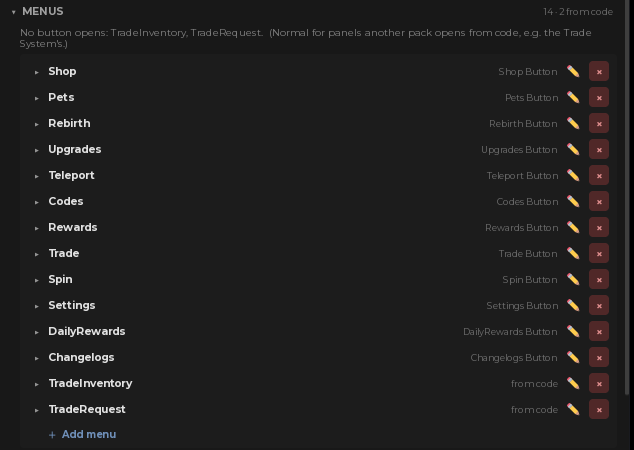
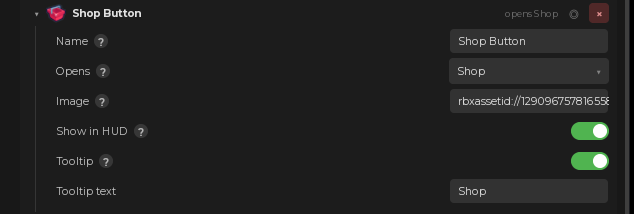
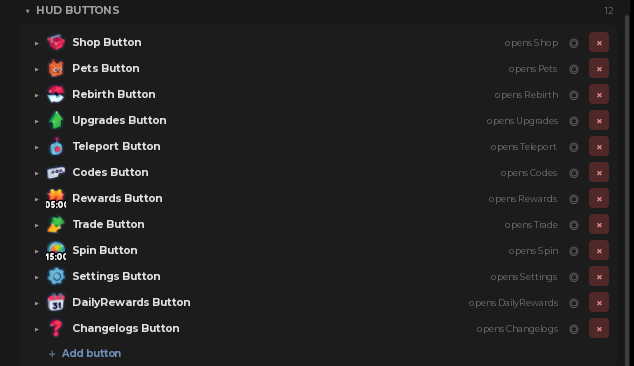 Twelve buttons ship, each with its icon and the menu it opens. Show in HUD hides one without deleting it, which is how you keep a menu your own code opens while taking its button off the screen.
Labels that show the player's numbers
Tag a label UI_DataBind, give it a DataPath likeStats.Cash, and it shows that value and keeps following it for the rest of the session. Prefix and Suffix add the currency symbol, and Format chooses between 52500, 52,500 and 52.5K. A counter on your HUD is a label plus three attributes, with no script behind it.
How a panel opens
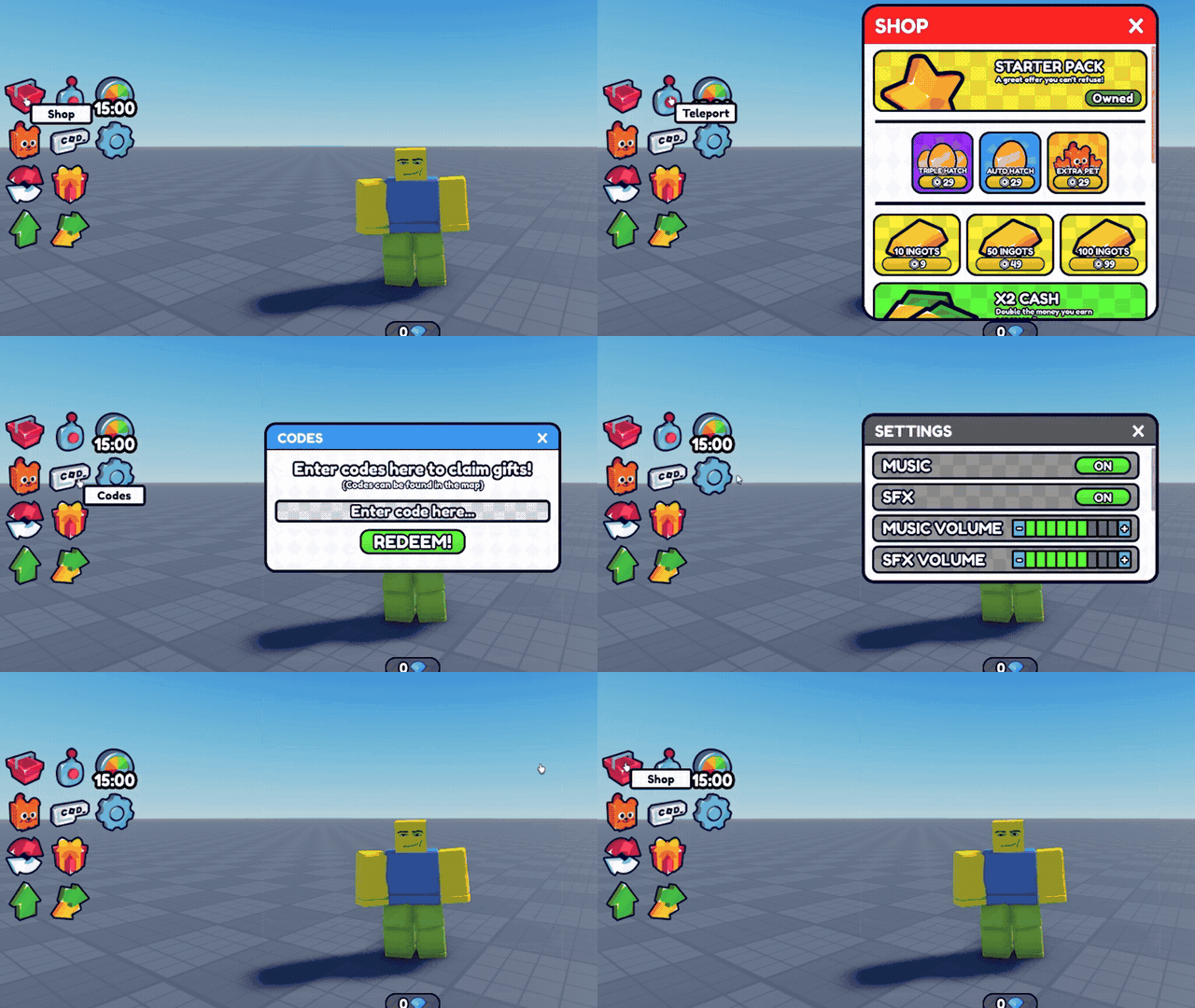 An Animation attribute on the panel picks how it arrives, Bounce or SpinReveal. The same attribute on anything inside a panel makes it move instead: rotate, bob, or cycle through colours.
The small things that make it feel finished
Buttons grow slightly under the cursor and show a tooltip that follows it. Clicks and hovers play a sound. Text boxes tick as they are typed into. All of it is on by default and all of it is an attribute you can turn off, one element at a time.Works great with
 Codes panel
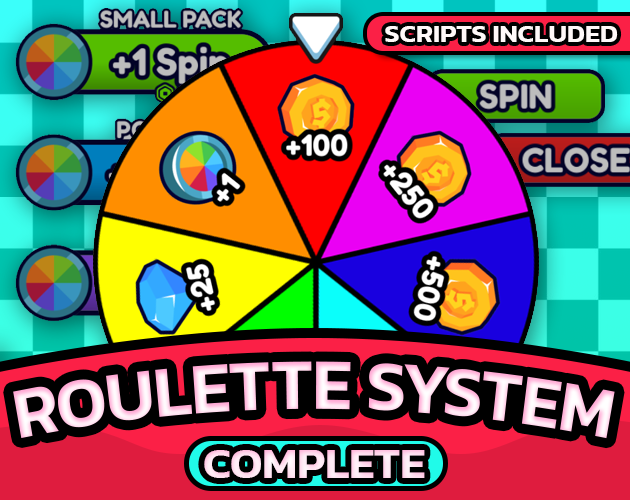 Spin panel
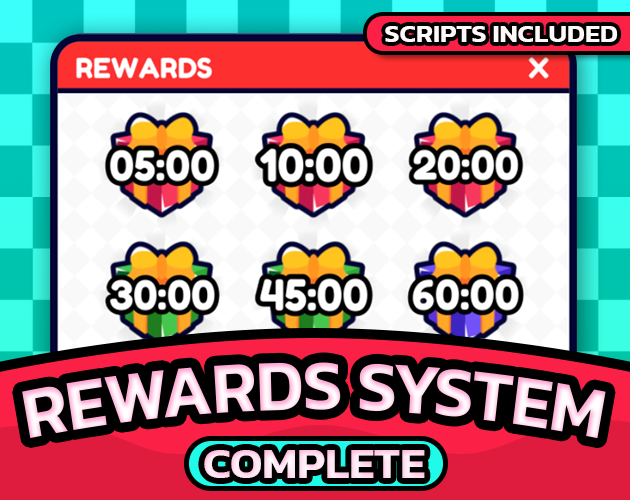 Rewards panel
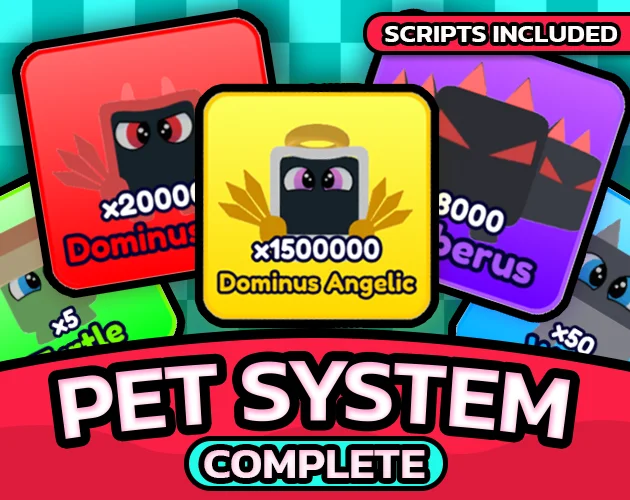
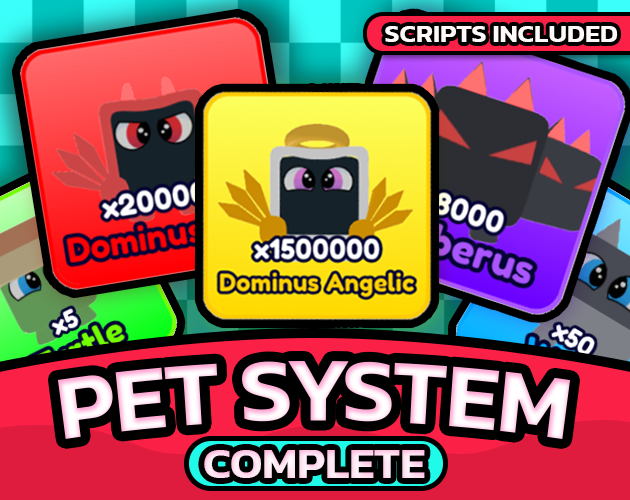 Pets panel
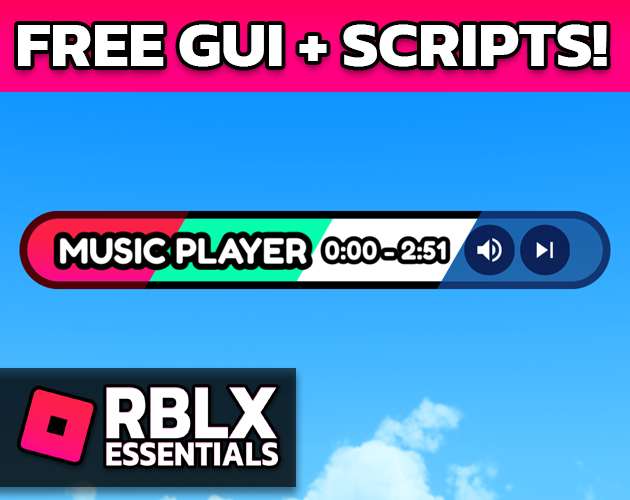 Volume menu
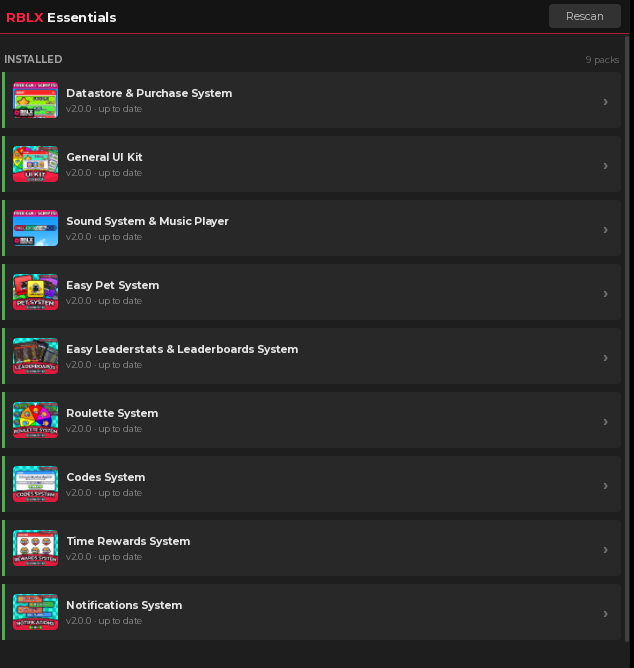
None of these are required, and none of them need wiring. A pack you install brings its own panel and its own HUD button, and they take their place in the rail alongside the ones already there.
Documentation
Every tag, every attribute, the plugin panels and the version history live at rblxessentials.com/docs.
Updates
📋 Version history and changelogs for all packs are available at rblxessentials.com/docs#changelog.