
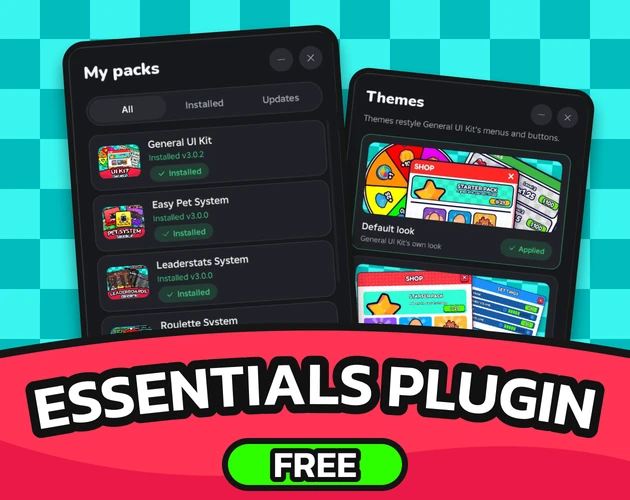
RBLX Essentials Plugin
Change any setting without code
Free for everyone, no sign-in to download. Your AI uses it too.
- Version
- v3.5.6
- Last updated
- Oct 29, 2026
- Type
- Plugins
- Docs
- Read the docs Changelog
The RBLX Essentials Plugin is the free Studio plugin behind every pack: it installs them and gives each one a settings panel built for it.
What you get
-
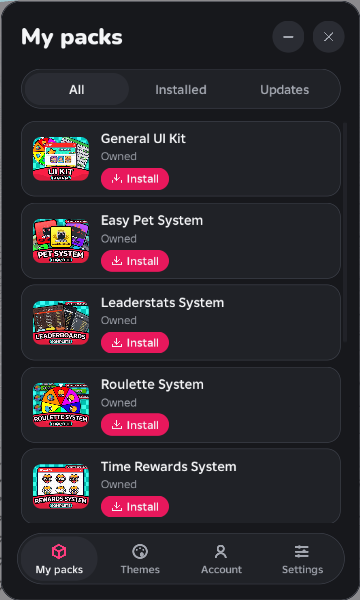
Every pack in one list
Sign in once, then Install any pack you own.
-
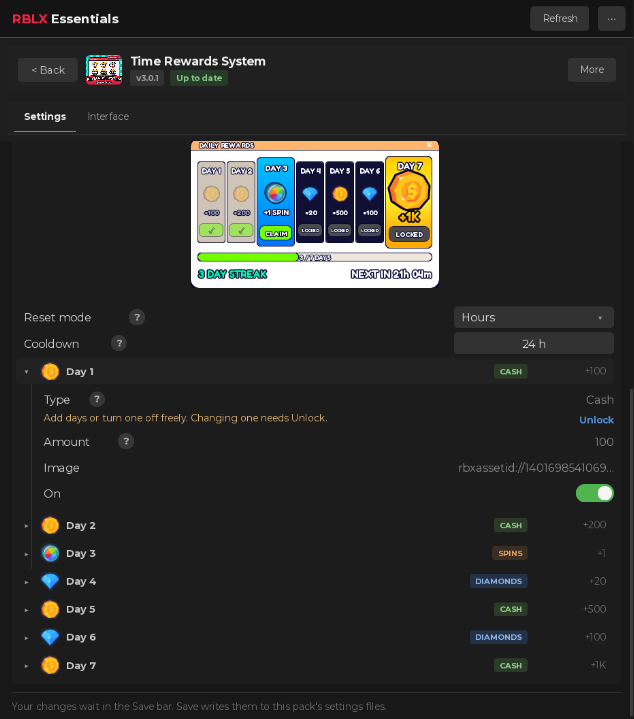
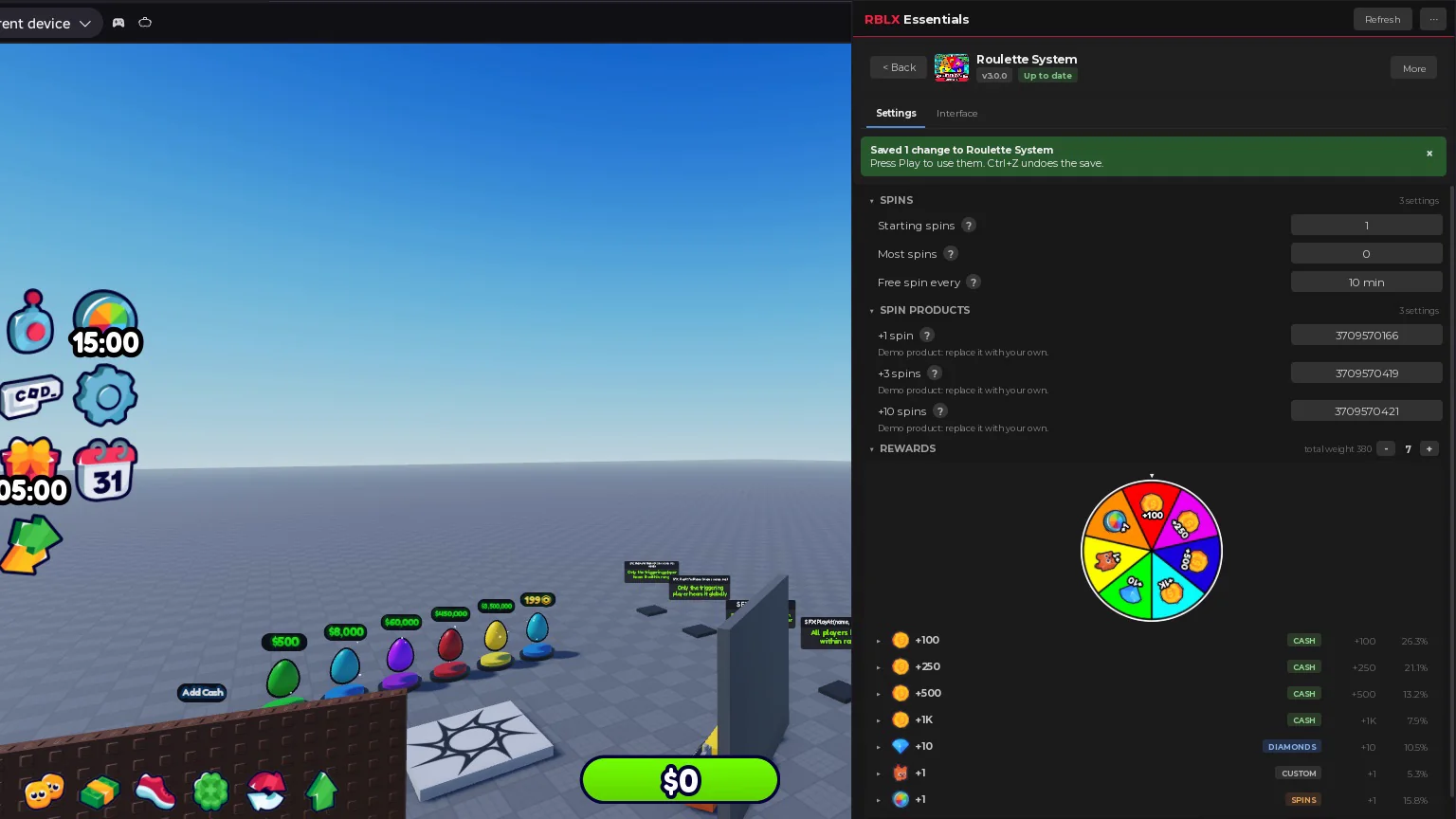
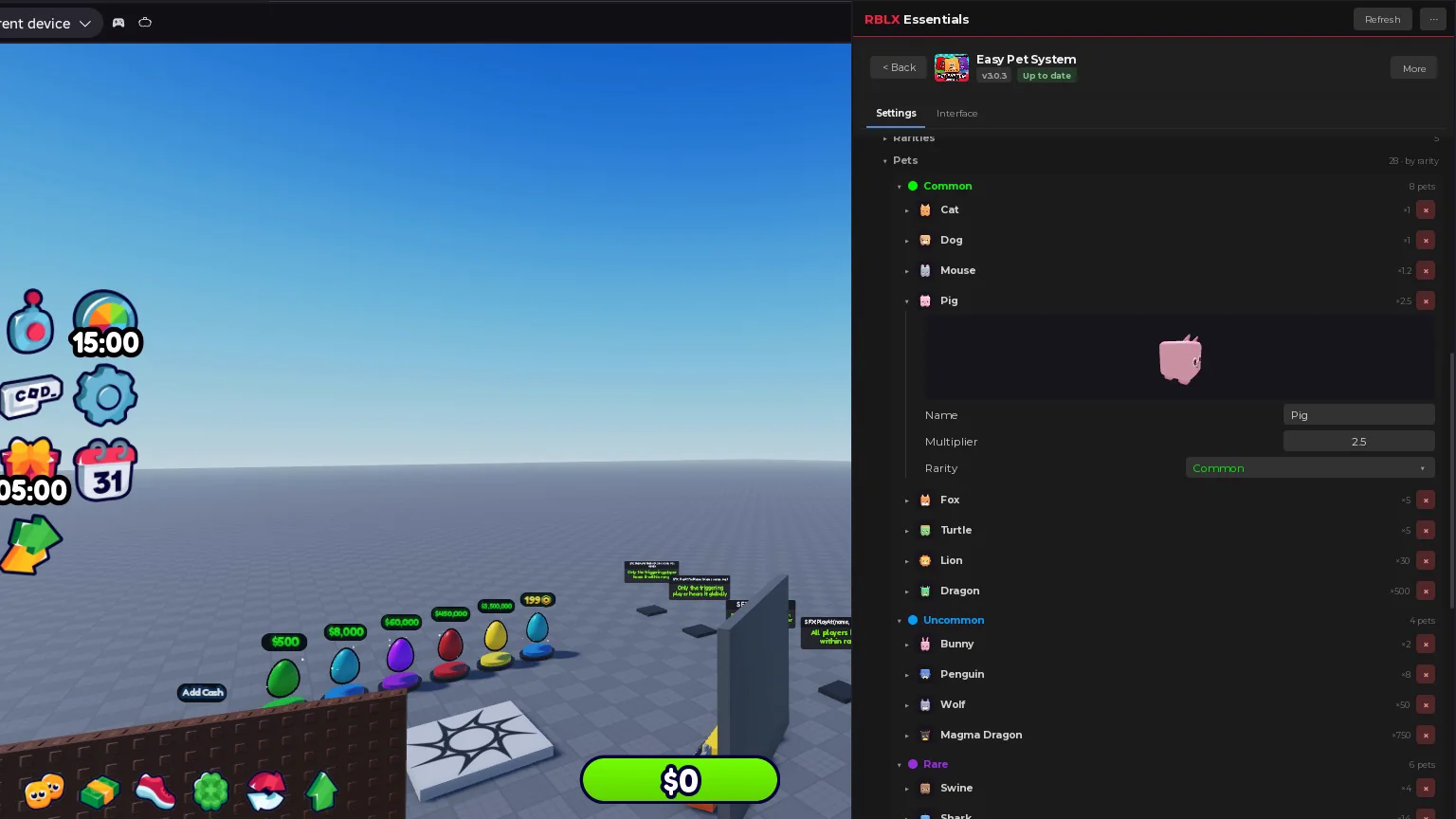
Settings built for each pack
Plain words, durations and live previews.
-
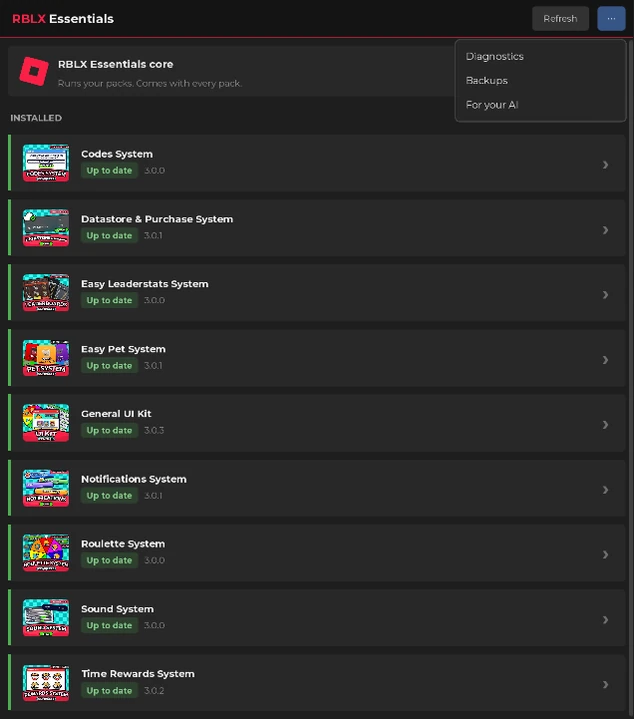
Your installed packs
Each one with its version and its updates.
-
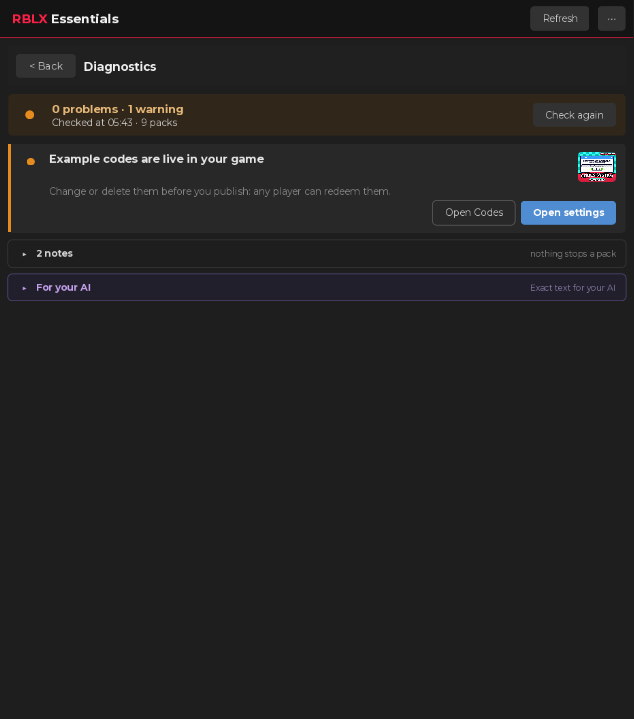
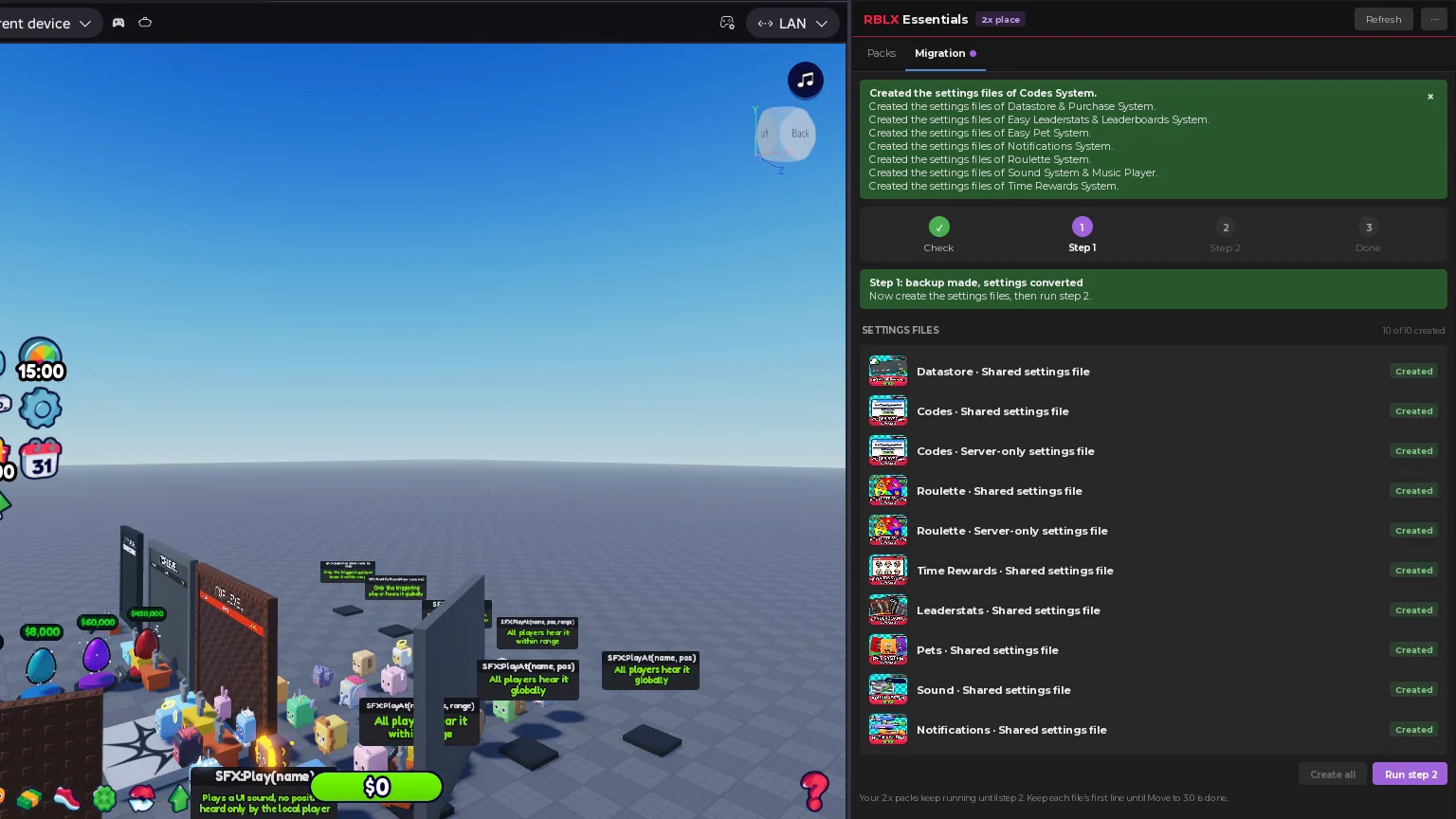
Diagnostics
What needs attention, with the fix.
In 3 steps
-
Download it
Get the .rbxm, free for everyone. No sign-in needed.
-
Drop it in your Plugins folder
In Studio, open Plugins > Plugins Folder, drag it in and restart Studio once.
-
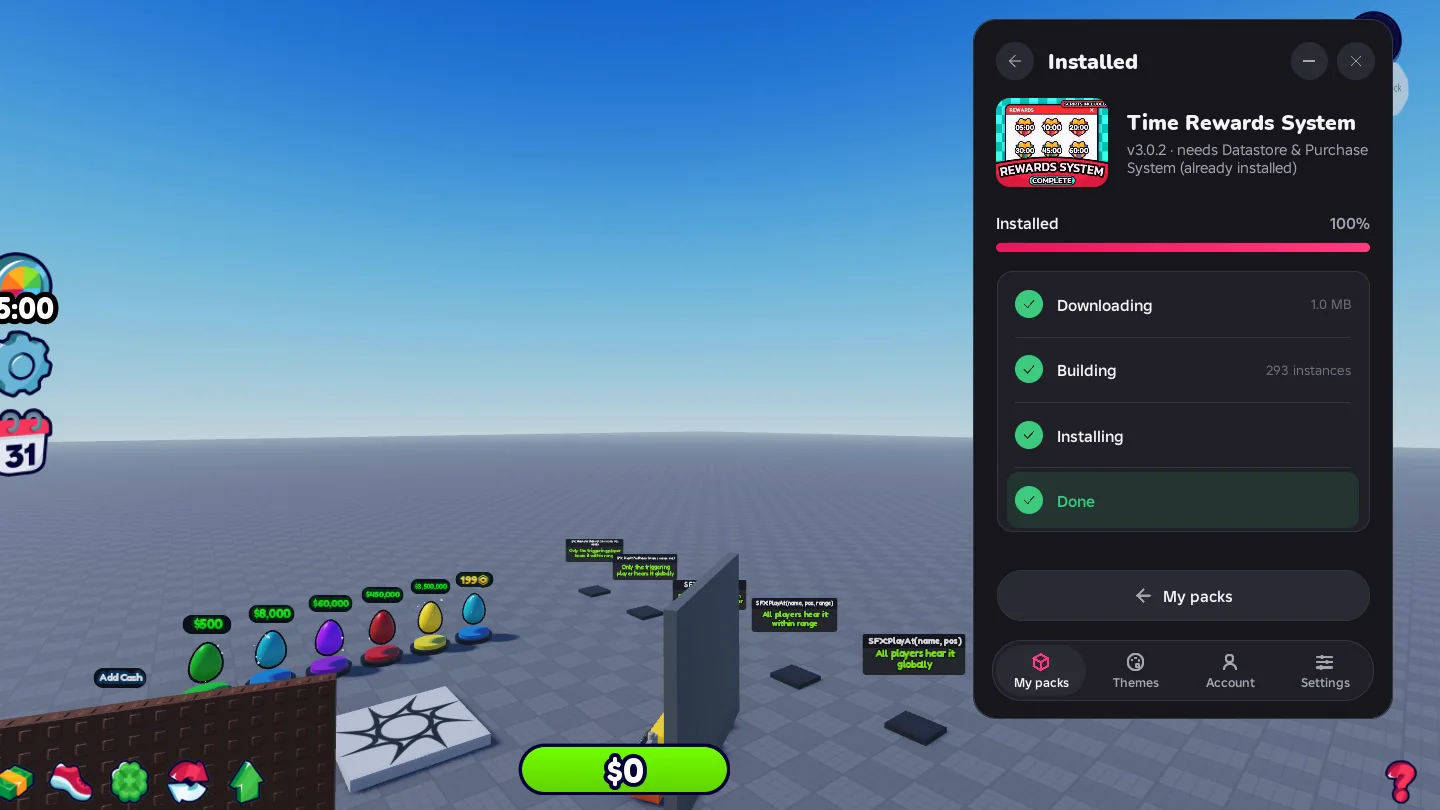
Install packs
Press Install in its card, or let Claude Code, Codex or any agent connected to Studio do it through the free plugin.
Packs it installs
-
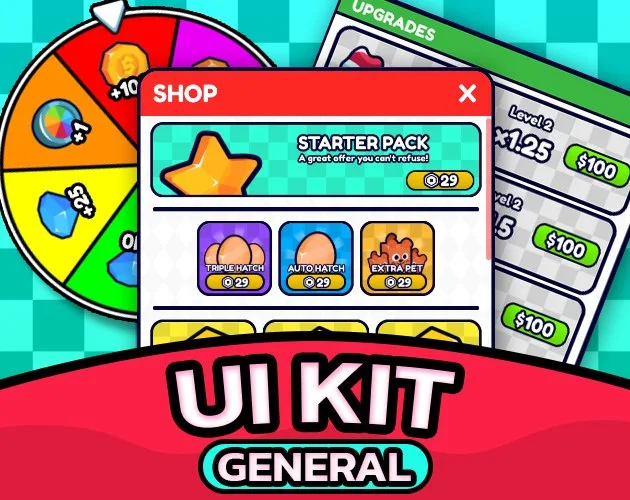 General UI Kit
Menus and HUD buttons.
-
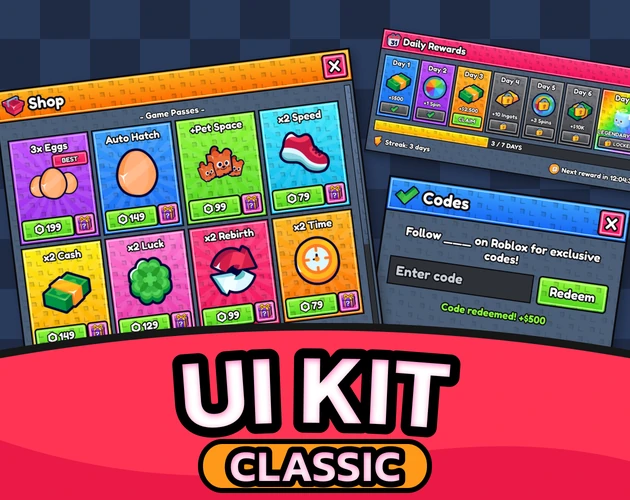 Classic UI Kit
The same menus in a chunky Stud look.
-
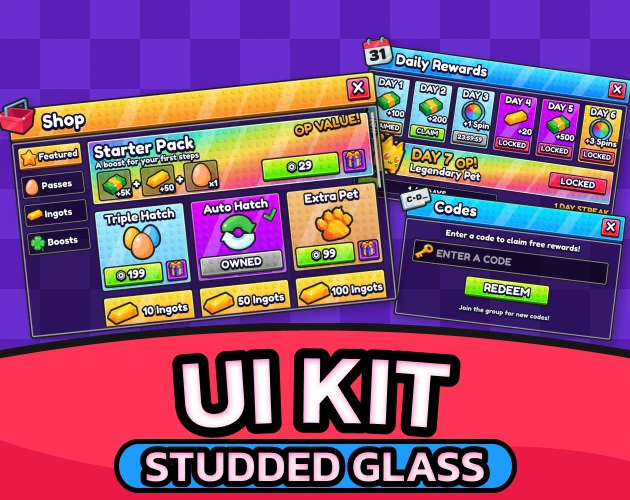 Studded Glass UI Kit
The same menus with studs and dark glass.
-
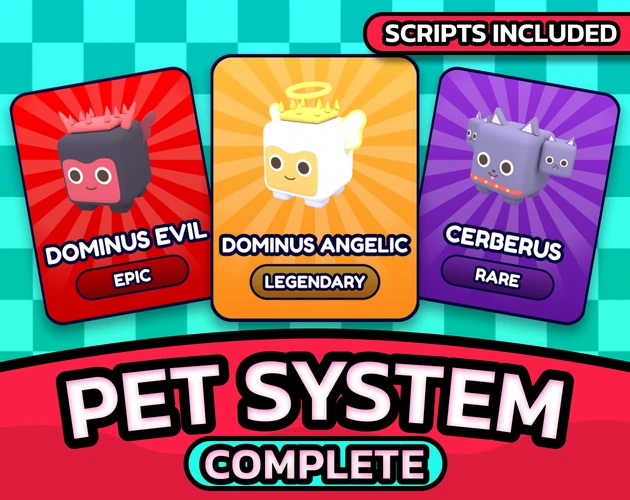 Easy Pet System
Eggs, hatching and pets that follow.
-
 Leaderboards System
Player list stats and boards.
-
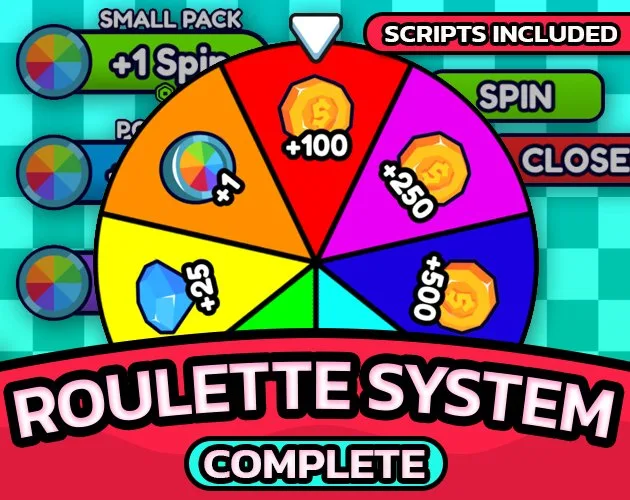 Roulette System
A spin wheel with prizes.
-
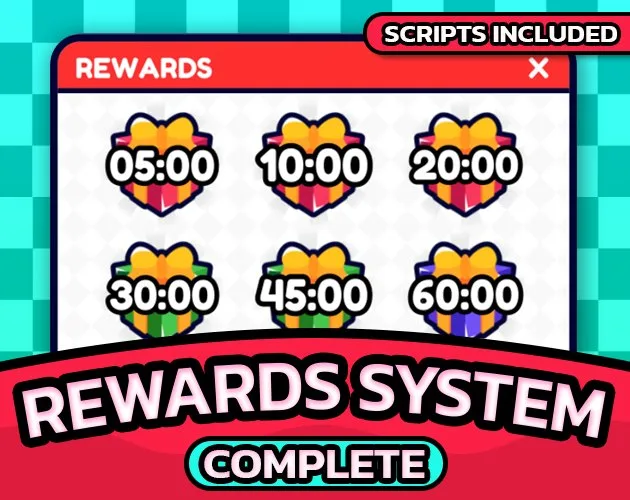 Time Rewards System
A daily streak and timed gifts.
-
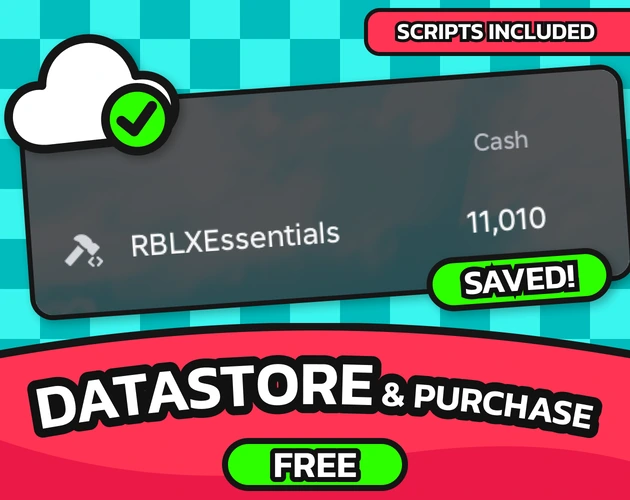 Datastore & Purchase System
Saves and purchases. Free.
-
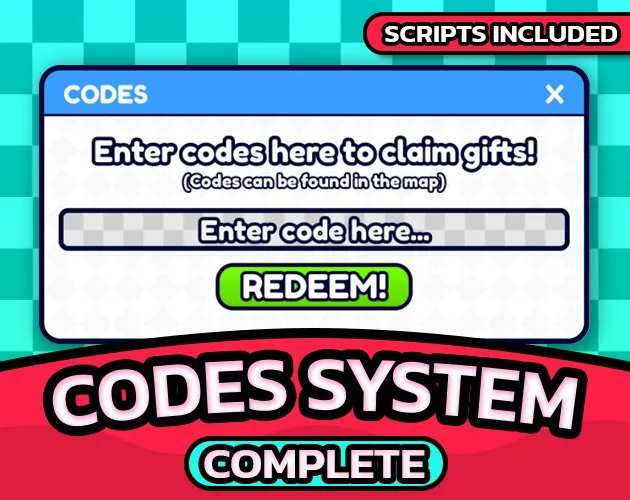 Codes System
Redeemable codes. Free.
-
 Notifications System
Toasts, banners and chat lines. Free.
-
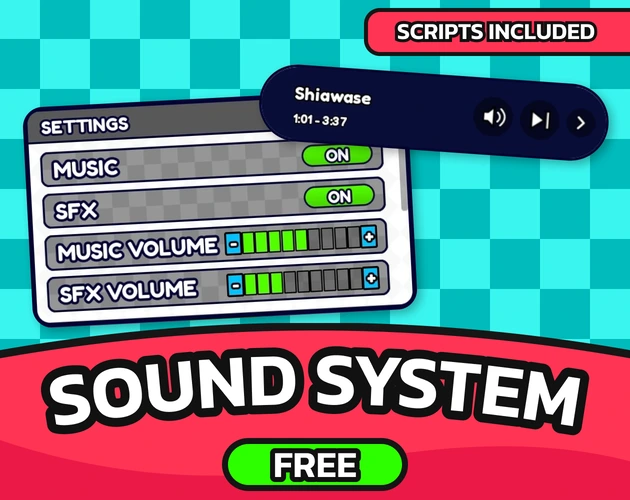 Sound System
Music player and sound effects. Free.
-
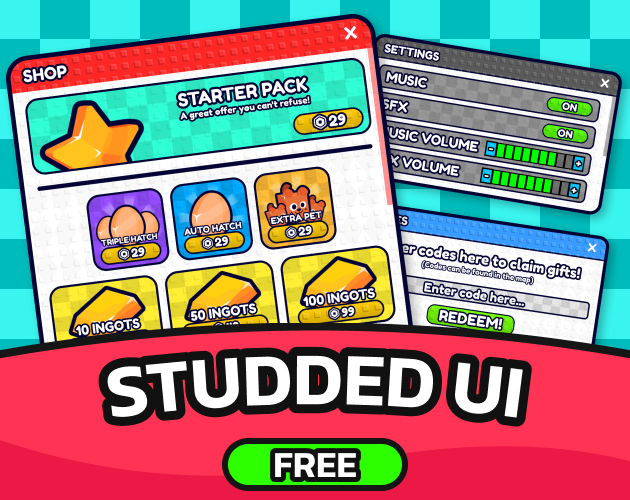 Studded UI: Design Only (no scripts)
The studded look. Design only, free.
FAQ
Is the plugin free?
Yes, free for everyone. You sign in only to install the packs you bought.
Do I need an AI?
No. The plugin does everything by hand, and an AI agent uses the same tools.
Every panel and every setting is explained in the docs. Read the docs
More from the store
Systems, UI and assets that drag straight into Studio.
-
Works with the plugin
Studded Glass UI Kit
The same menus and HUD with studs and dark glass
$14.99 Buy
RBLX Essentials Plugin
A free Roblox Studio plugin that installs RBLX Essentials packs and gives each one a settings panel written for it. No script editing, no manual wiring.