Core Features

Setup
Developer API
Two calls
local SFX = require(game.ReplicatedStorage.RBLXEssentials.Kernel.SFX)

-- Play a sound by name.
SFX:Play("Press")

-- Overlapping copies, for things that fire fast.
SFX:PlayOverlap("Gold_Pickup")Sound at a place in the world
local sound = ctx.require("SoundSystem")

-- Everyone hears it, wherever they are.
sound.PlayAt("Money_1", part.Position)

-- With a range, it falls off with distance instead.
sound.PlayAt("Money_1", part.Position, 30)

-- Or for one player only.
sound.PlayAtForPlayer(player, "Gem_Pickup", part.Position, 30)Customisation
Your own music
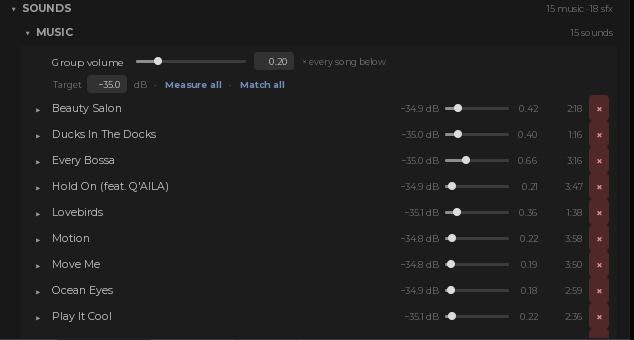 Fifteen songs ship in the Music group. Drop a Sound in beside them and it joins the playlist with no other step. Each one carries its own volume, so a track mastered louder than the rest can be pulled down on its own instead of turning the whole playlist down.
Your own sound effects
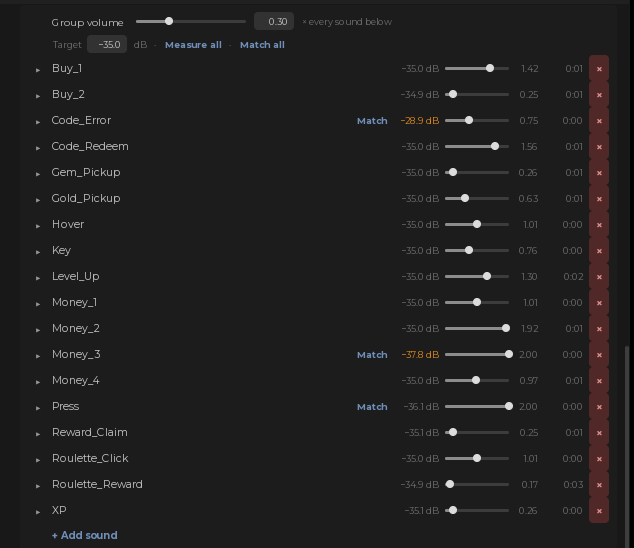
42 effects ship, covering money, purchases, hovers, presses, level ups and pickups. + Add sound takes an asset id and a name, and that name is what you pass to SFX:Play. Sounds added while the game is running are picked up too.
Two switches, and the skin
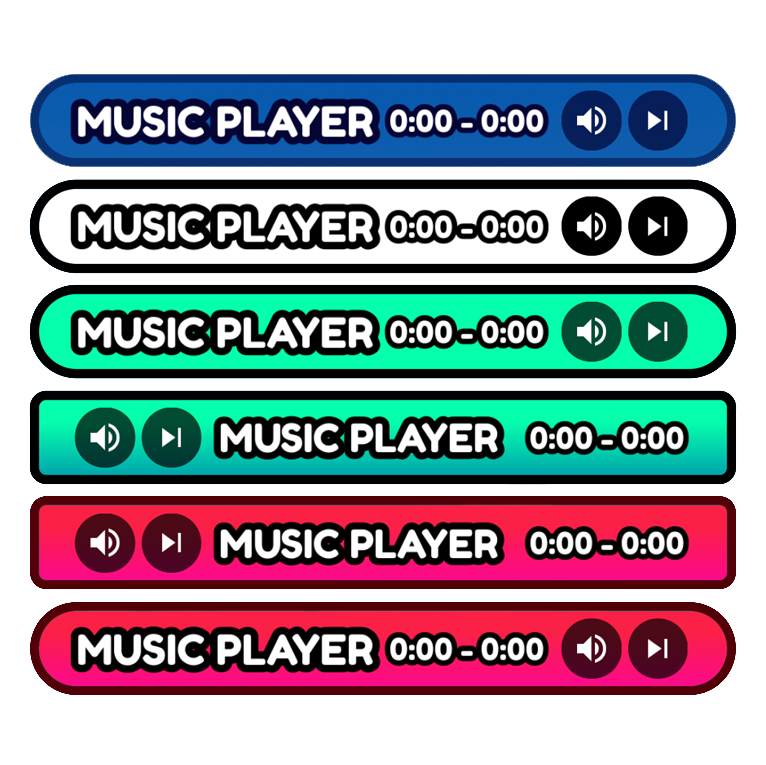
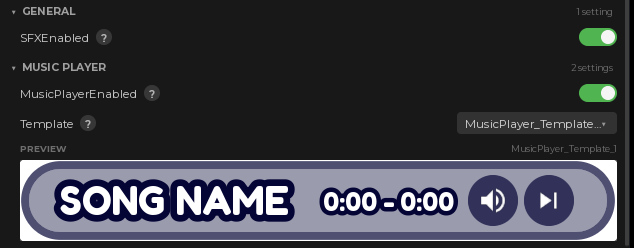 SFXEnabled silences every sound effect in the game at once, for every player. MusicPlayerEnabled hides the bar and stops the music, for games that do not want one. The template dropdown picks the skin and previews it in the panel.
Hear it before you write anything
Five parts ship in the workspace, each with a prompt on it and not a line of code in it. Between them they cover every way of playing a sound: straight into your ear, out of a point in the world, and out of a point for one player only, the last two with and without a falloff range. Walk up, press the prompt, hear the difference. Delete the folder when you are done with it.Works great with
 Volume menu
 Hatching
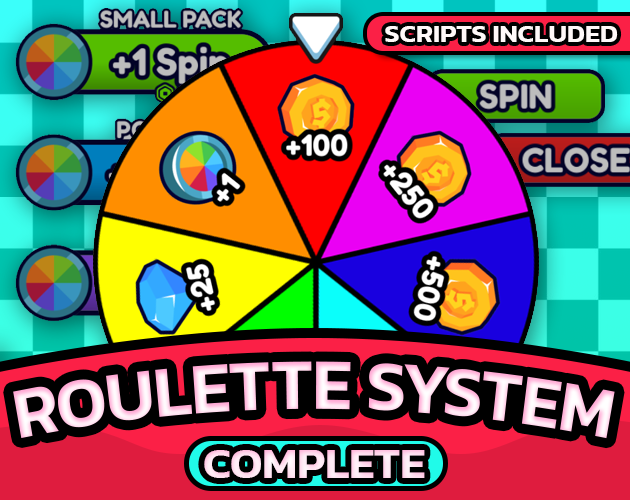 The wheel
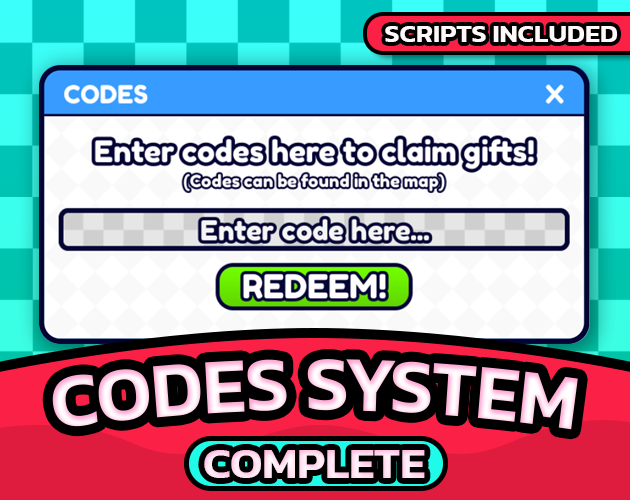 Redeems
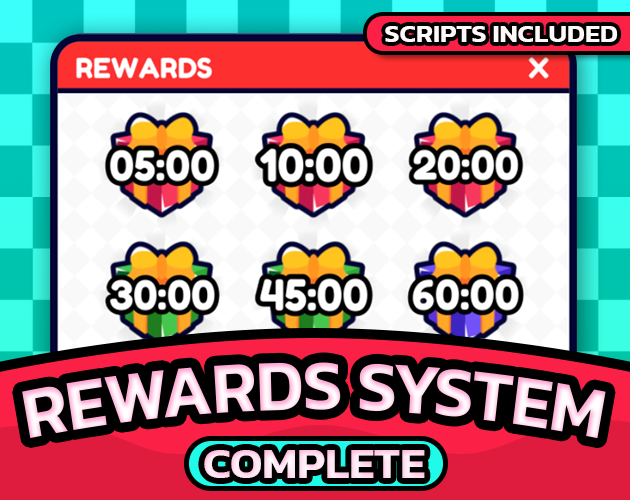 Claims
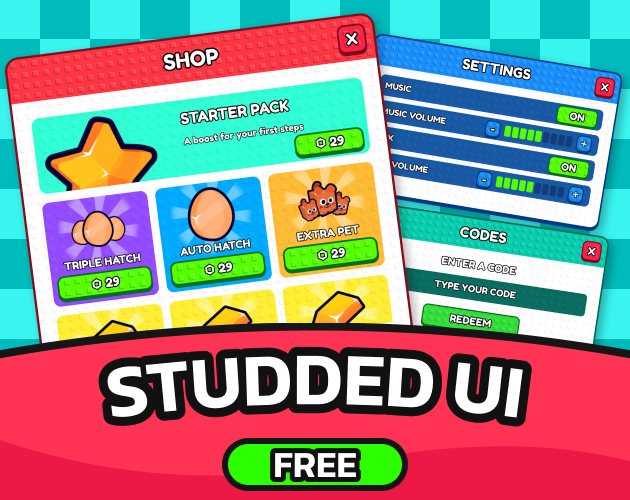
Nothing here is required. Every pack asks for a sound whether or not this one is installed, and gets silence if it is not, so adding it later turns audio on across all of them at once. General UI Kit is where the Music and SFX volume controls appear, on a nine step ladder, mute included.
Documentation
Every setting, the plugin panels and the version history live at rblxessentials.com/docs.
Updates
📋 Version history and changelogs for all packs are available at rblxessentials.com/docs#changelog.