
Codes System
Codes players redeem for rewards
Set up by your AI, or by hand in the free plugin.
- Version
- v3.0.0
- Last updated
- Oct 12, 2026
- Type
- Systems
- Requires
- Datastore & Purchase System
- Docs
- Read the docs Changelog
Codes System lets you hand out codes for a launch, a video or a Discord drop, redeemed from a menu in game. Free for everyone.
What you get
-
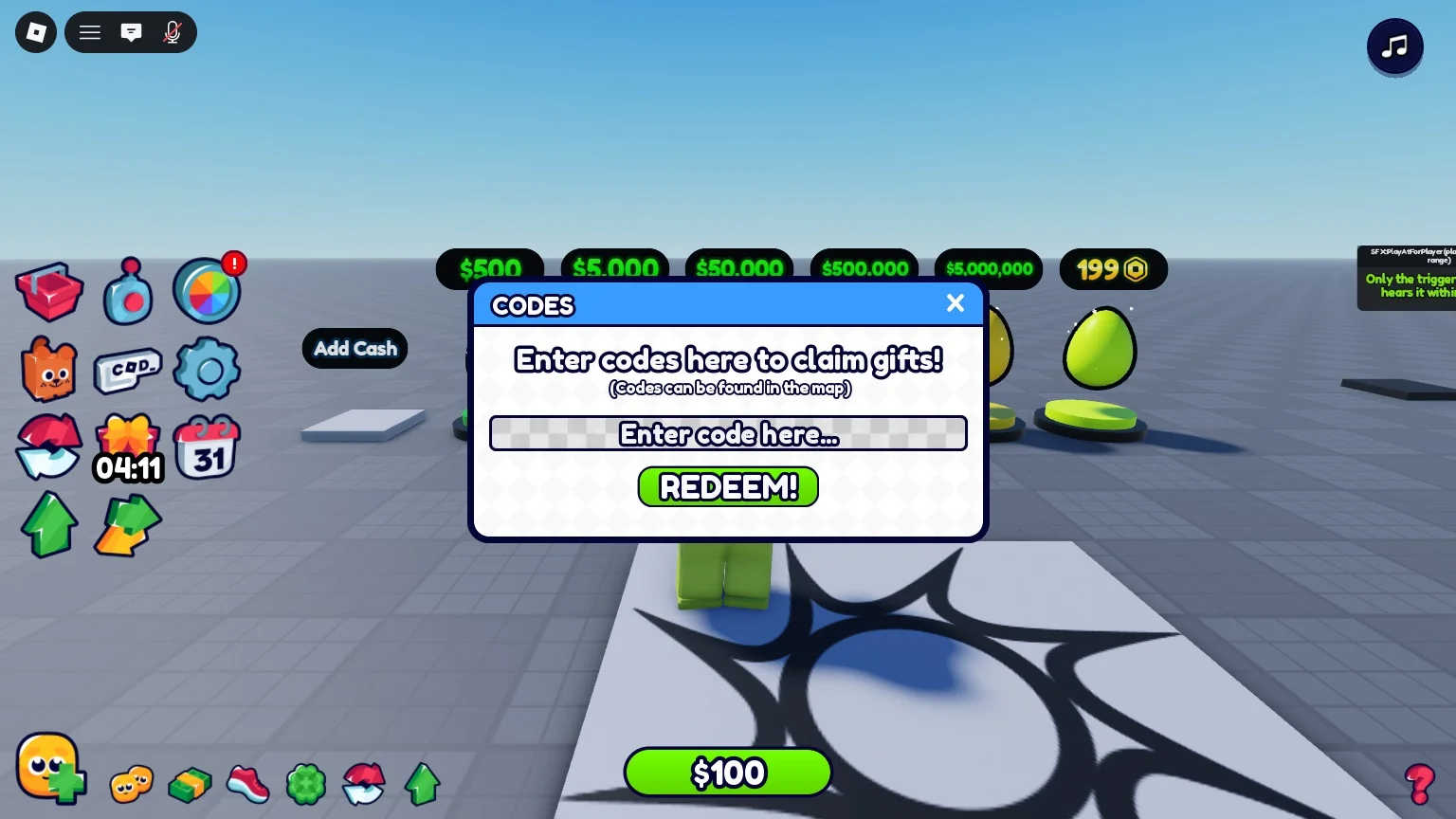
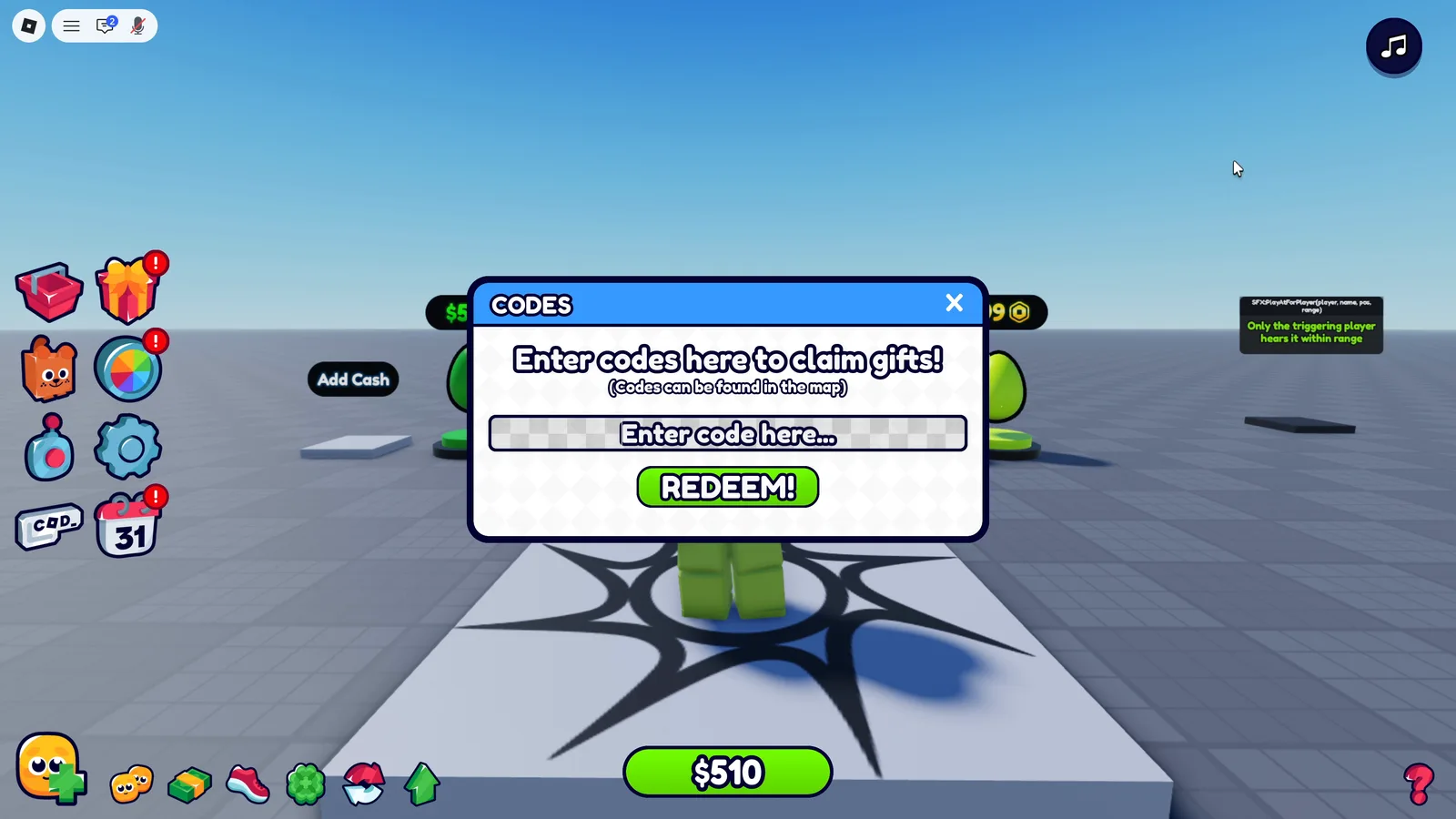
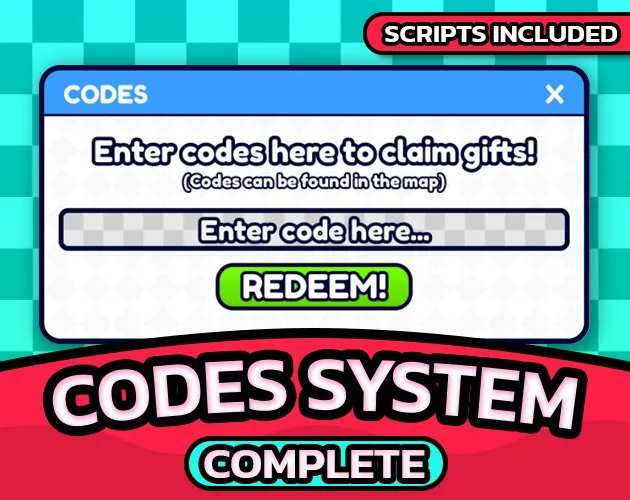
Redeem menu
A HUD button and a box to type the code.
-
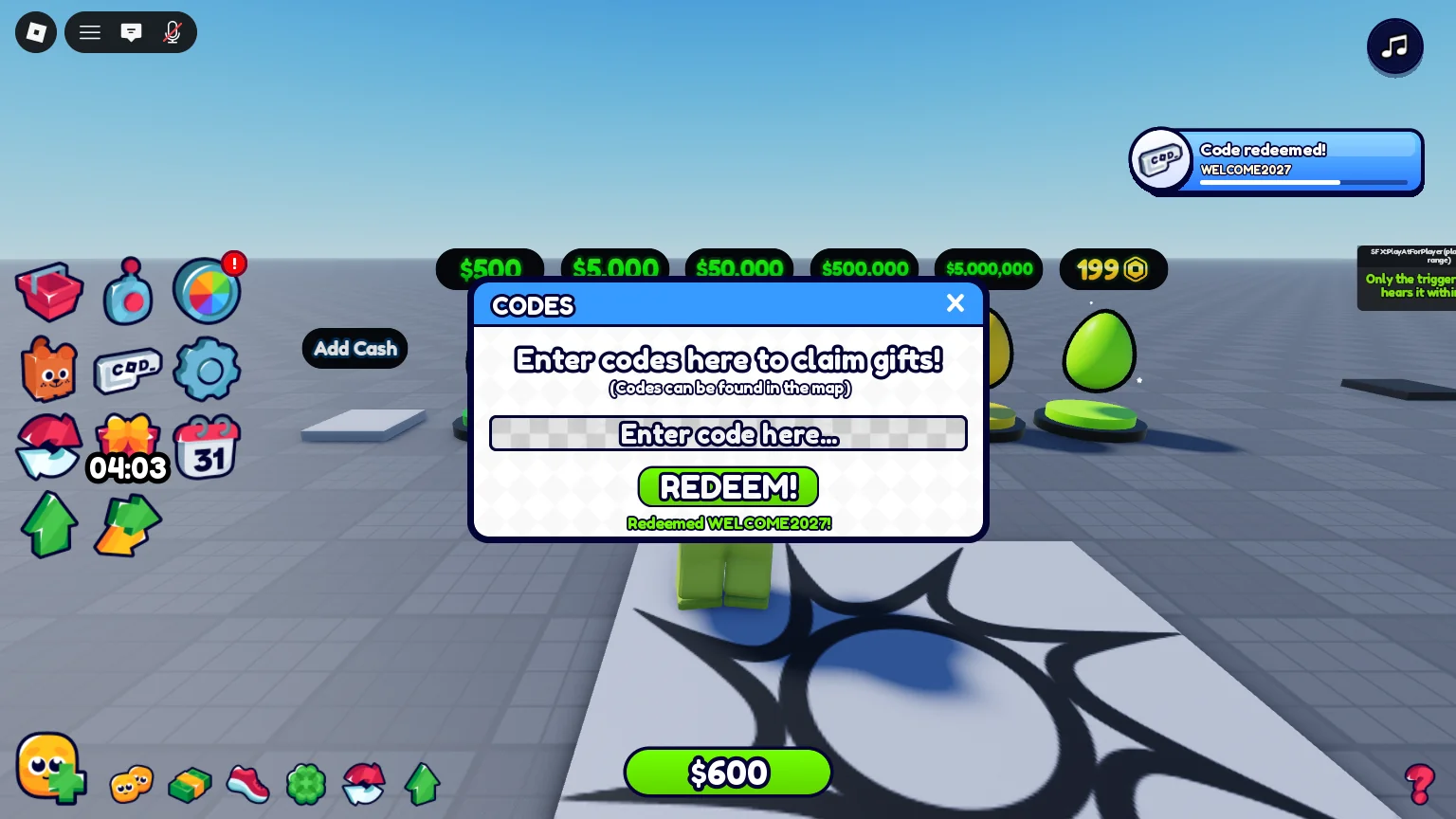
A reply for everything
Redeemed, unknown, already used or expired.
-
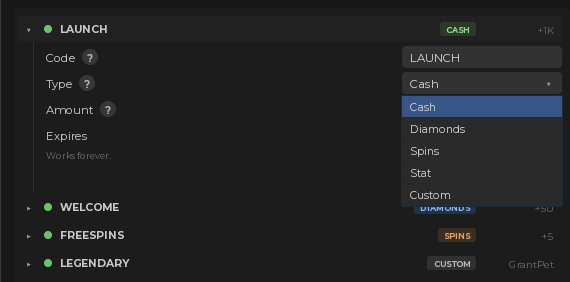
Any reward
Cash, Diamonds, spins, any saved stat or a pet.
-
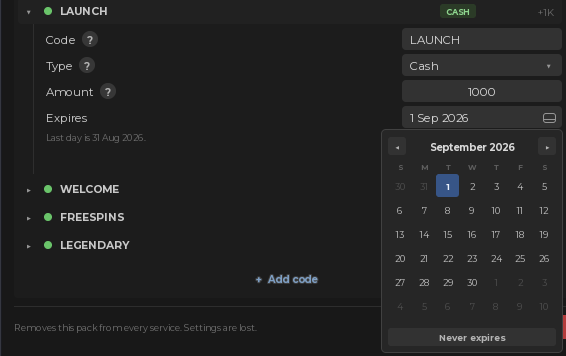
Expiry dates
Pick a date; past it, the code stops working.
In 3 steps
-
Install from the plugin card
Open the free plugin, go to My packs and press Install on Codes System. What it needs installs with it.
-
Tell your AI
Claude Code, Codex or any agent connected to Studio sets it up from a plain request: "Add the code SUMMER25 for 250 Cash." Or change it by hand in the plugin.
-
Press Play
It works straight away. No script editing.
Pairs well with
-
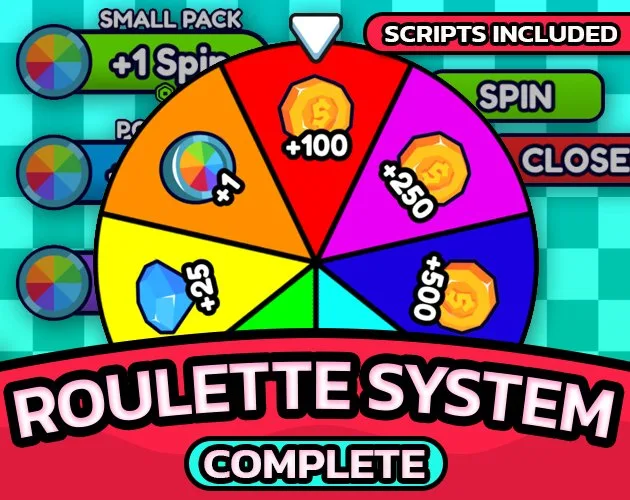 Roulette System
A code can give spins.
-
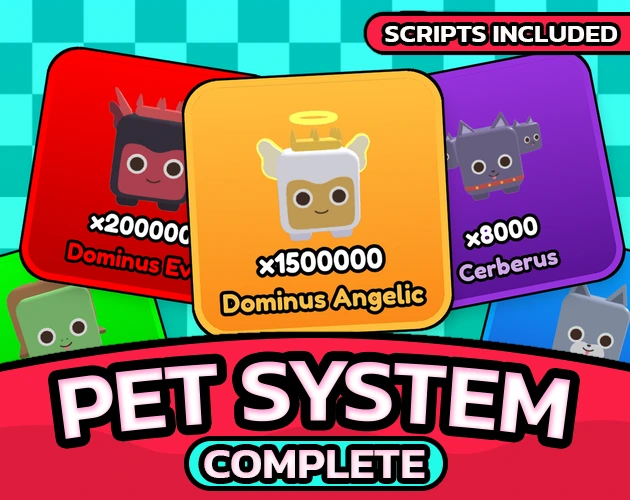 Easy Pet System
A code can give a pet.
-
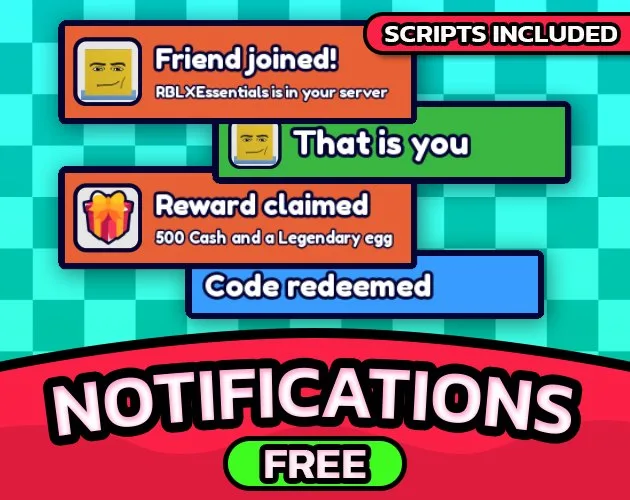 Notifications System
A toast when a code is redeemed.
FAQ
What does it need?
Datastore & Purchase System, free for everyone. It remembers which codes each player has redeemed. The plugin installs it with this pack.
Can a code give my own reward?
Yes: a Custom reward runs a module you write. The docs show how.
Every setting, the developer API and the changelog are in the docs. Read the docs
Codes System
Redeemable Roblox codes written in a settings panel: cash, items, spins or your own reward modules, with expiry dates and one redemption per player.