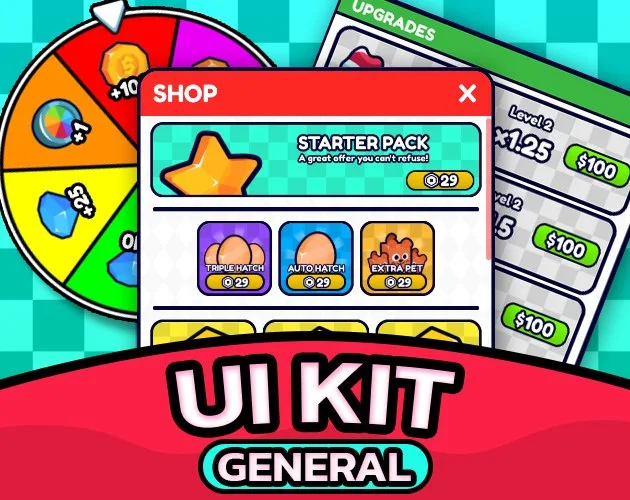
General UI Kit
Shop, menus and HUD, ready to use
Set up by your AI, or by hand in the free plugin.
- Version
- v3.0.3
- Last updated
- Oct 15, 2026
- Type
- UI & Themes
- Docs
- Read the docs Changelog
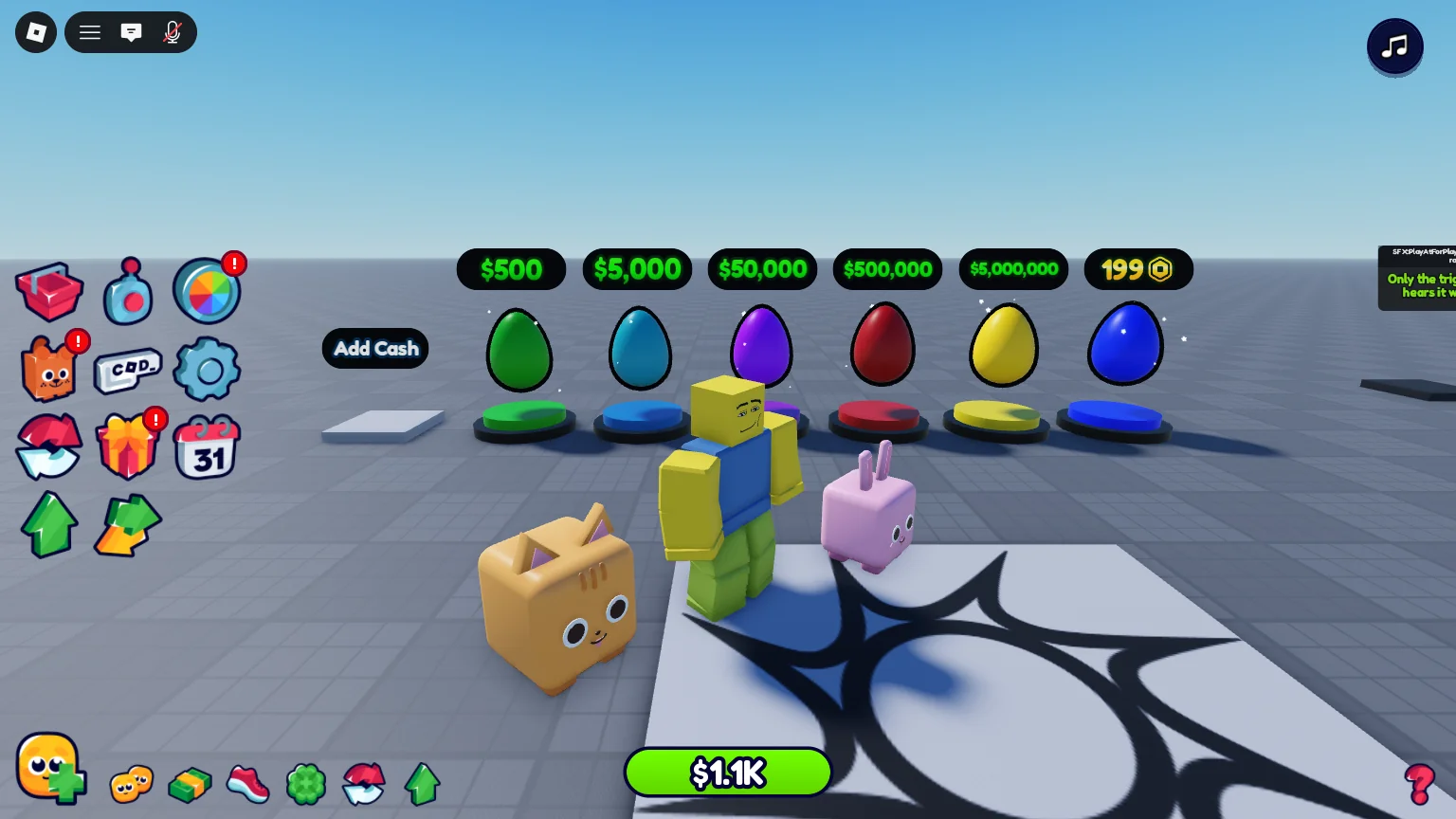
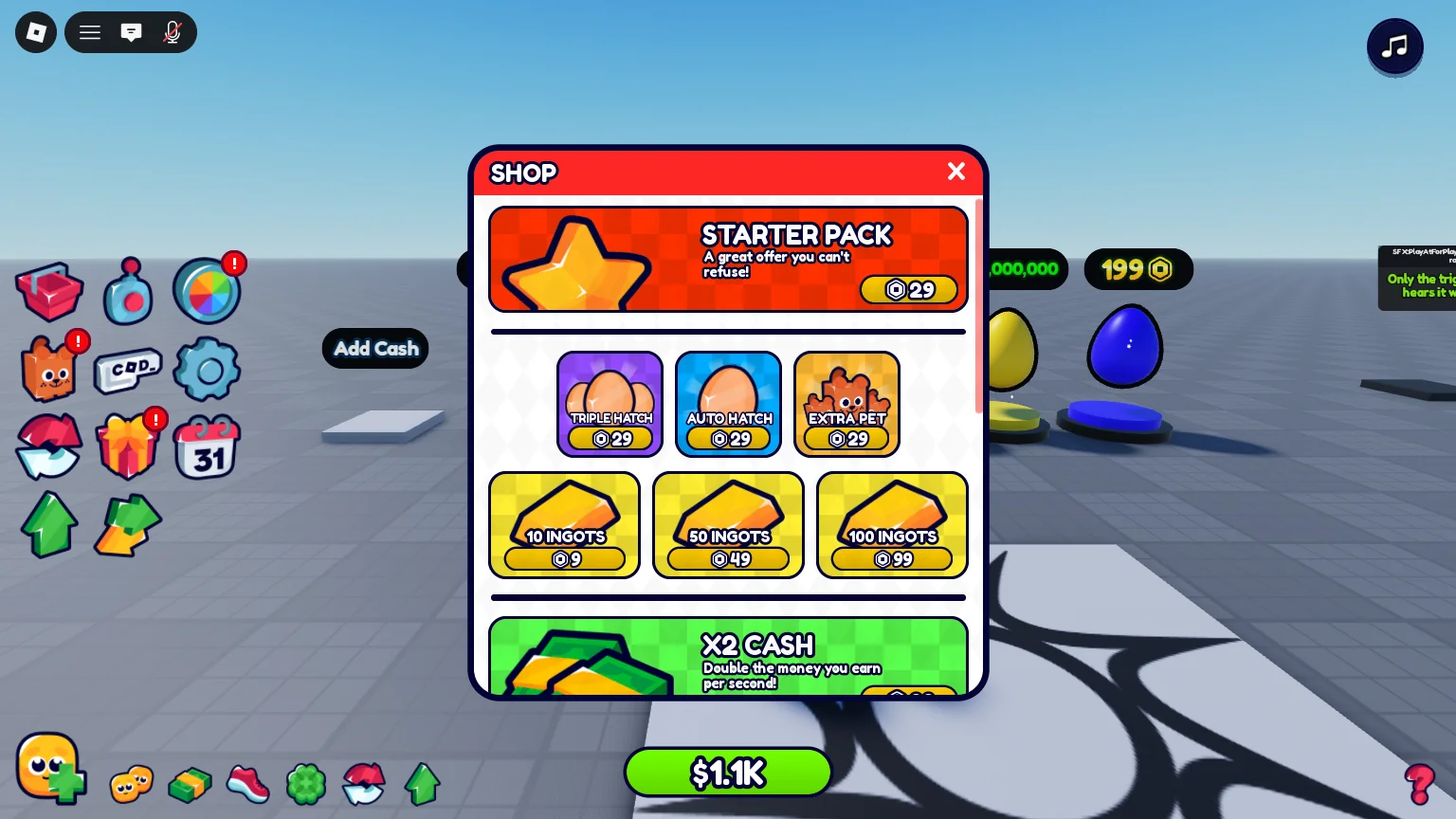
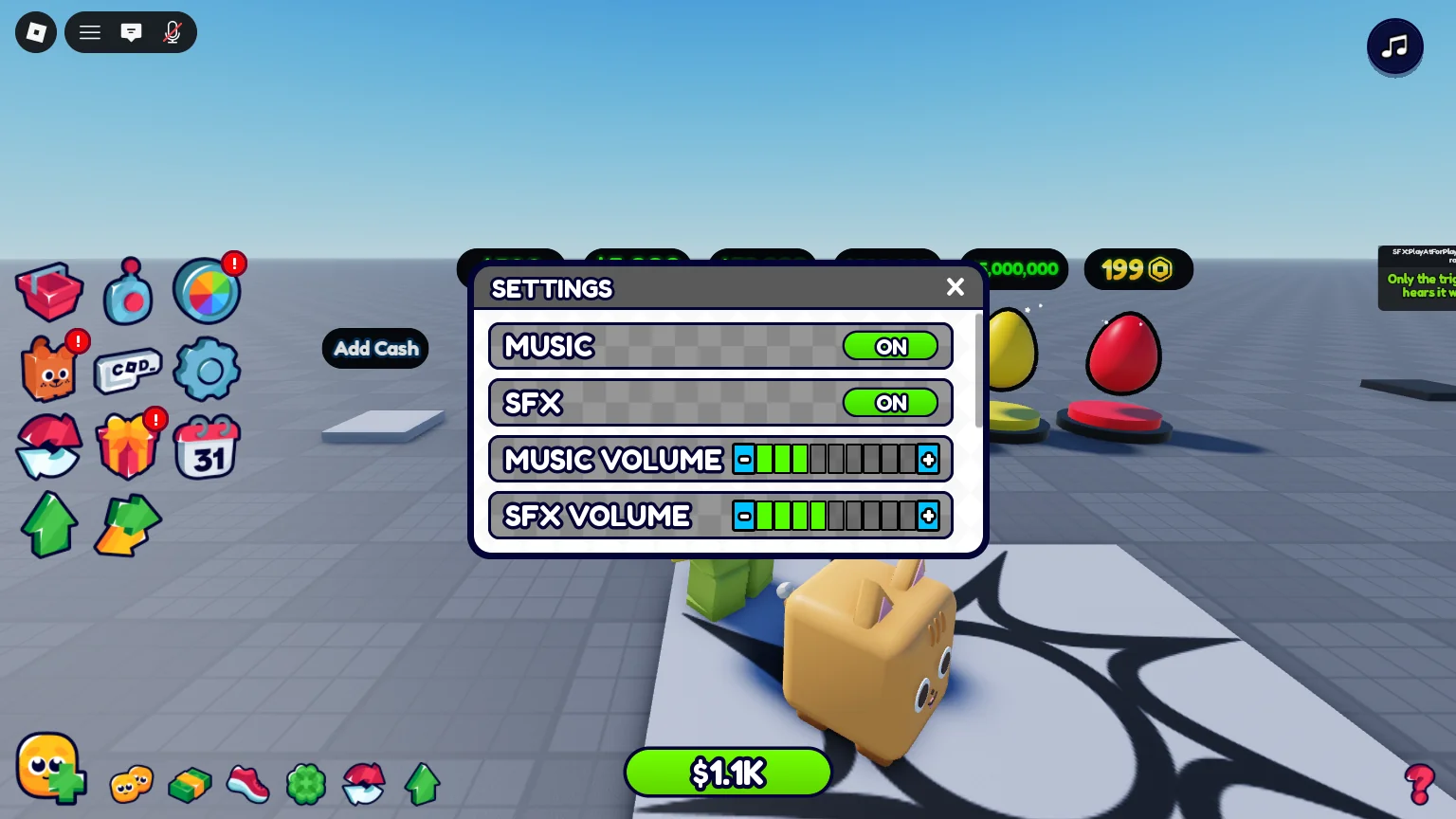
General UI Kit is the menu system your game needs anyway: 14 menus, 11 HUD buttons, tooltips and sounds, working on the first Play.
What you get
-
A HUD on the first Play
Side buttons and menus that open one at a time.
-
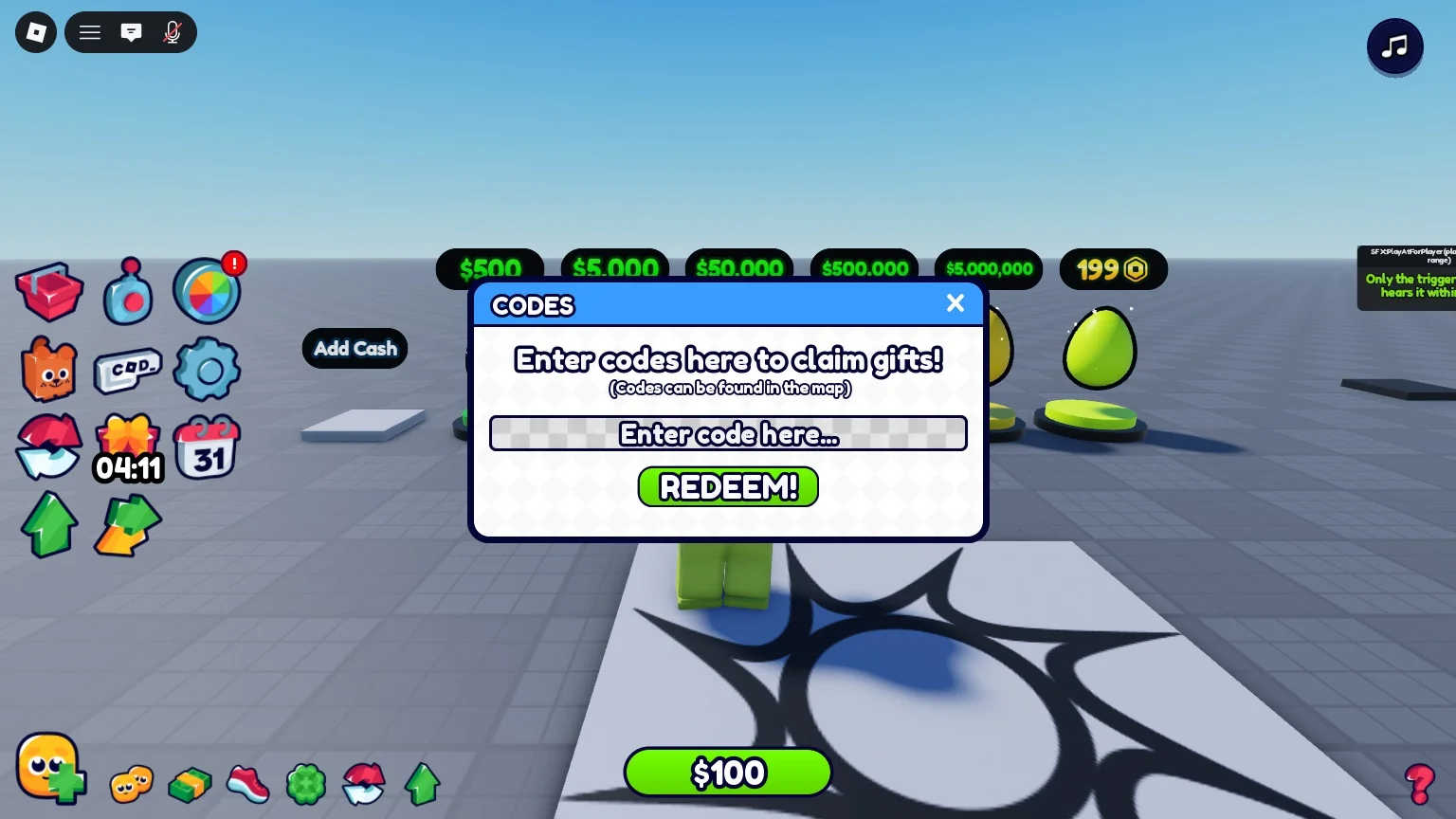
Pack menus slot in
An installed pack replaces the demo menu with its own.
-
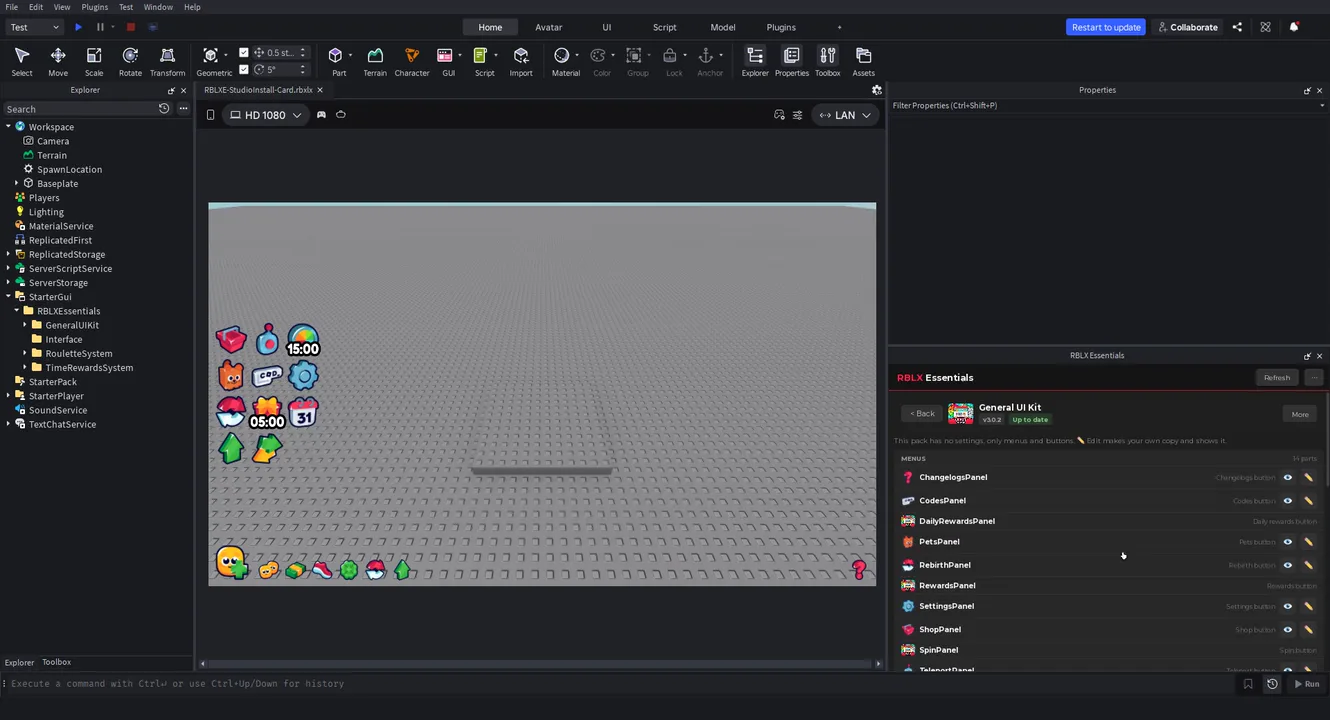
Your own copy
Edit any menu like any other GUI.
-
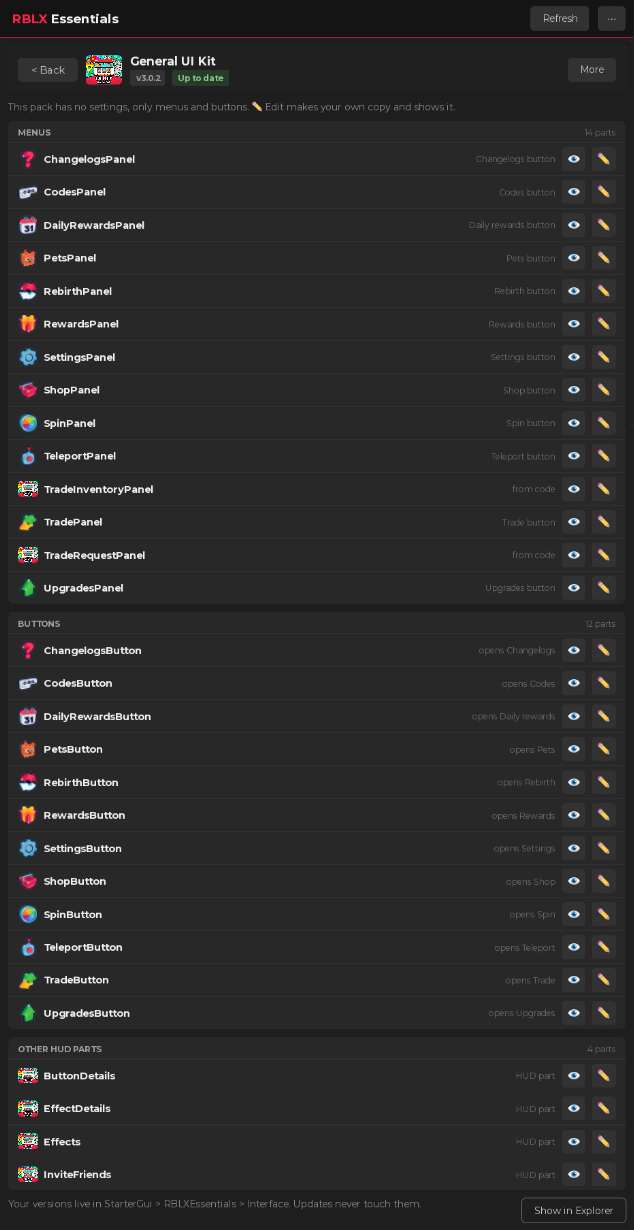
Every piece in one list
14 menus and 11 buttons, each with its pencil.
-
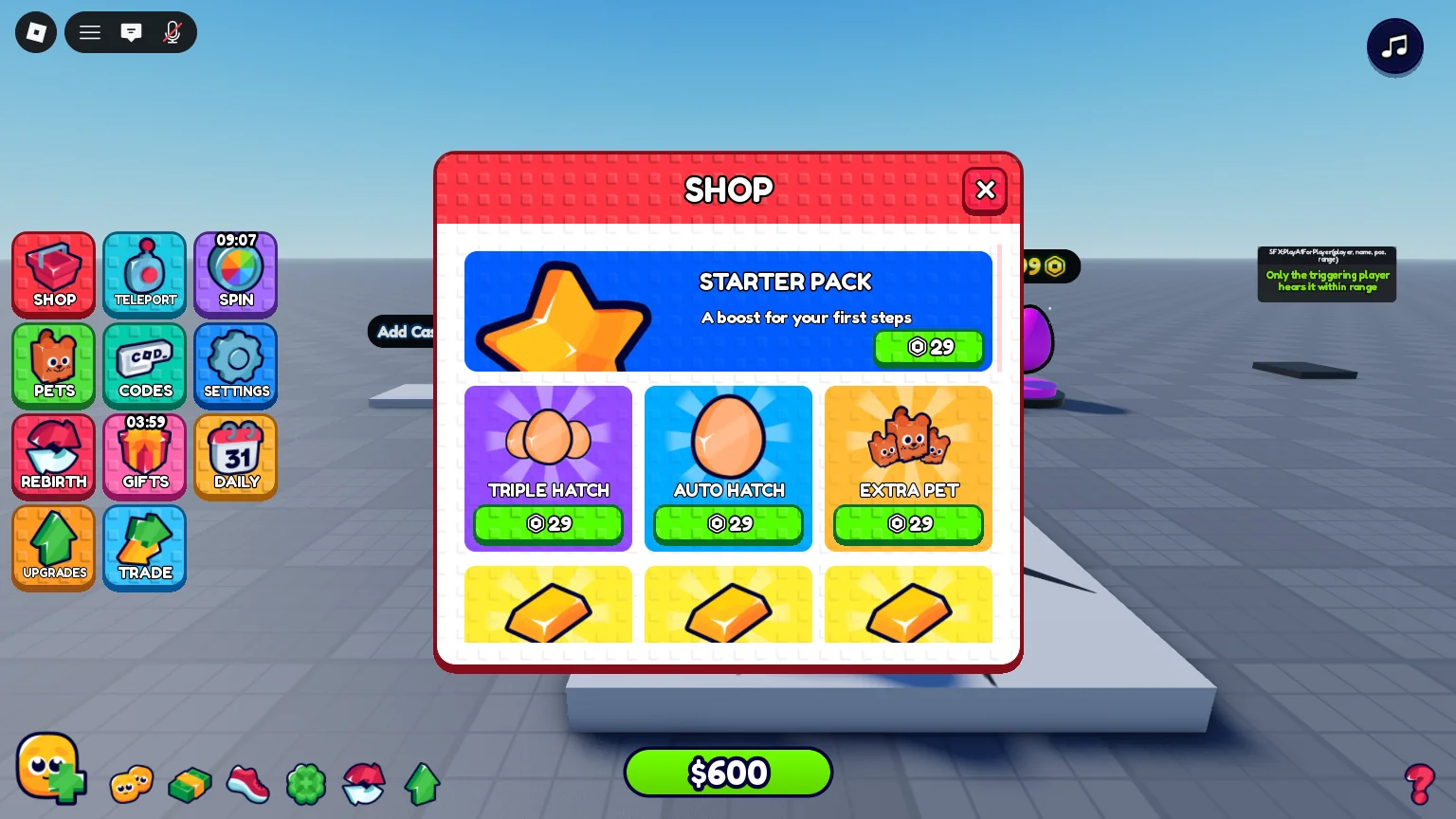
A free theme
Studded UI restyles every menu at once.
In 3 steps
-
Install from the plugin card
Open the free plugin, go to My packs and press Install on General UI Kit. What it needs installs with it.
-
Tell your AI
Claude Code, Codex or any agent connected to Studio sets it up from a plain request: "Retitle the Shop menu STORE." Or change it by hand in the plugin.
-
Press Play
It works straight away. No script editing.
Pairs well with
-
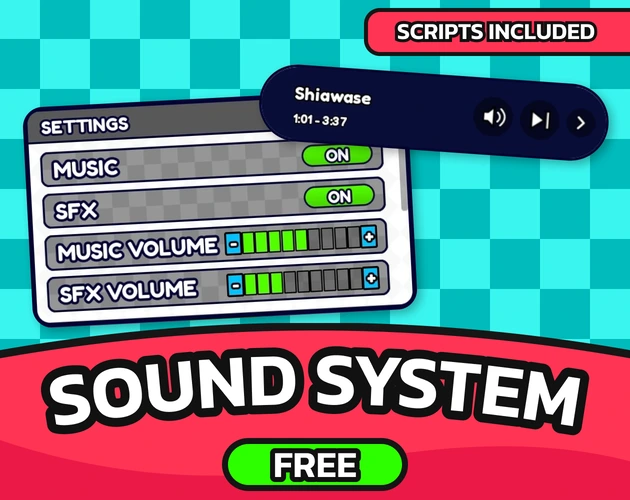 Sound System
Hover and press sounds on every button.
-
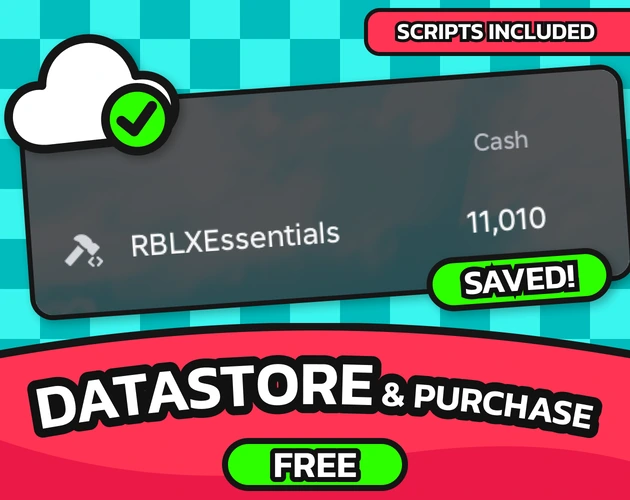 Datastore & Purchase System
Labels show each player's saved numbers.
-
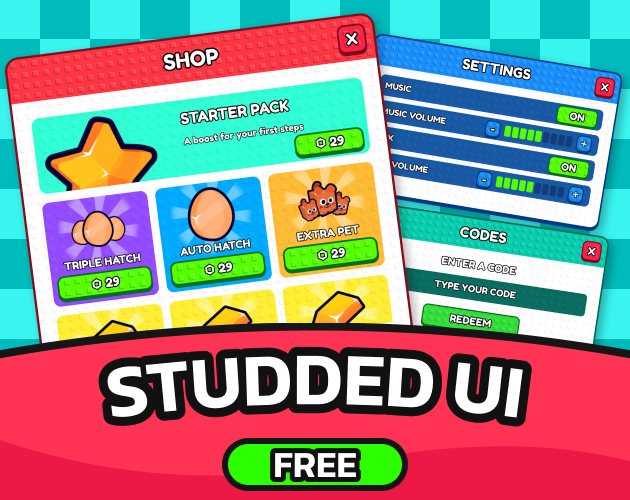 Studded UI theme (for General UI Kit)
A free theme for every menu and button.
FAQ
Bought it in 2.x?
3.0 is free for you: install it from the plugin card, or download it from My library.
Does it need other packs?
No. It works on its own, and the packs you install plug their menus into it.
Every setting, the developer API and the changelog are in the docs. Read the docs
General UI Kit
A tag-based Roblox GUI framework: 14 ready menus, HUD buttons, animated panels and tooltips that other packs plug straight into. Built for Roblox Studio.