
Sound System & Music Player
Music player and sound effects
Set up by your AI, or by hand in the free plugin.
- Version
- v3.0.0
- Last updated
- Oct 12, 2026
- Type
- Systems
- Docs
- Read the docs Changelog
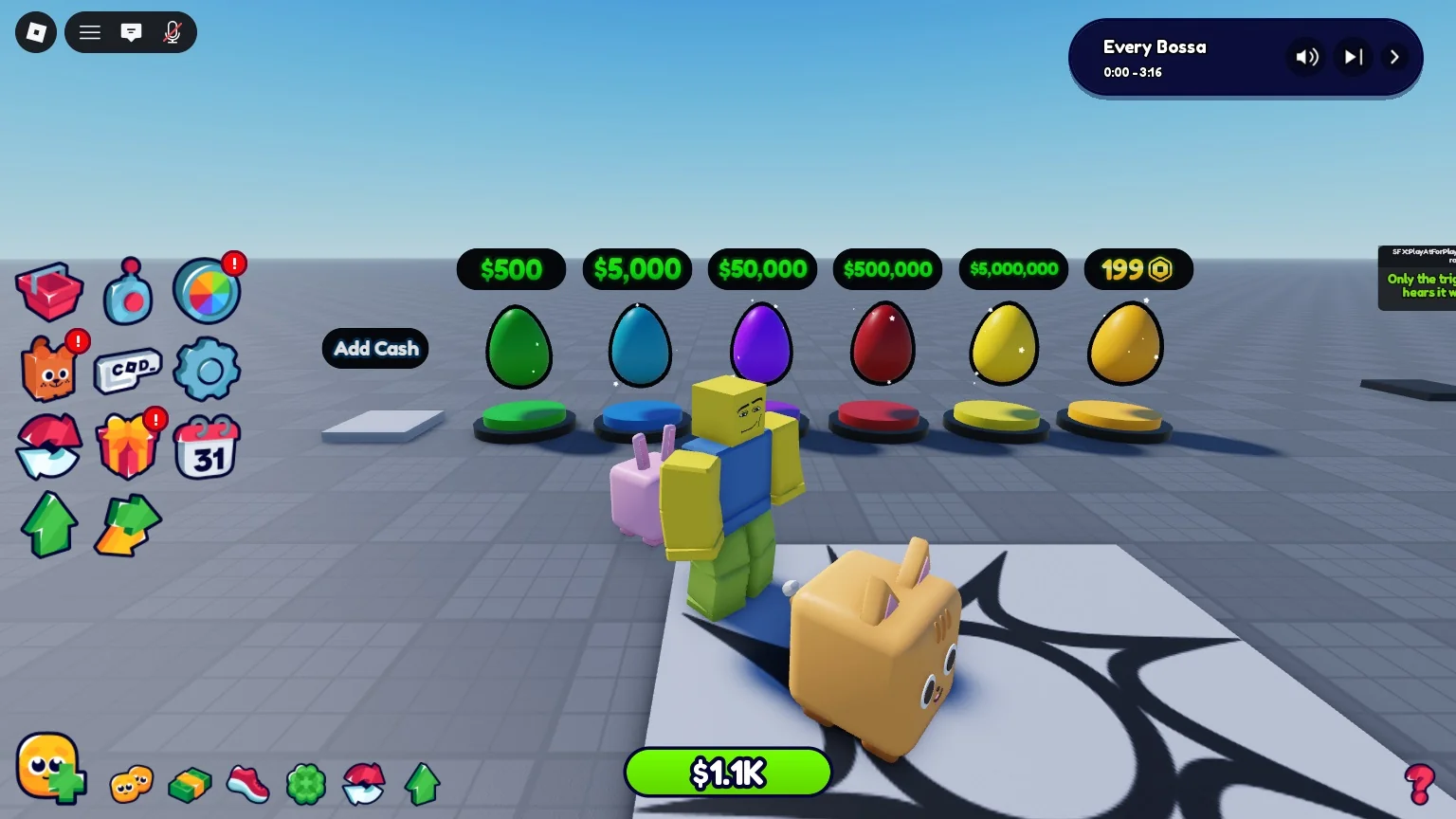
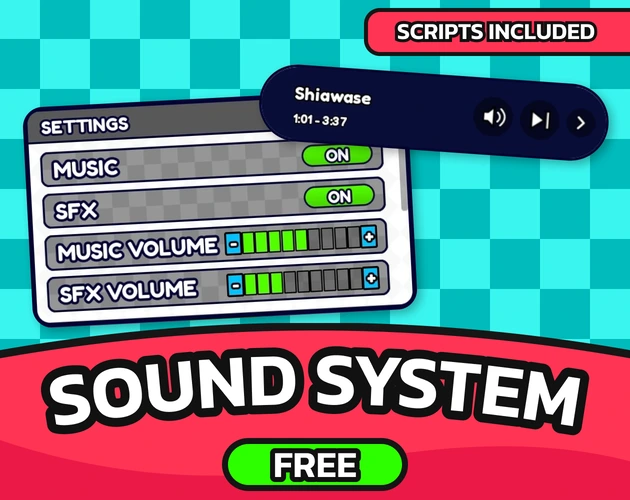
Sound System & Music Player is your game's audio: a music player with fifteen tracks, 42 sound effects and separate volumes. Free for everyone.
What you get
-
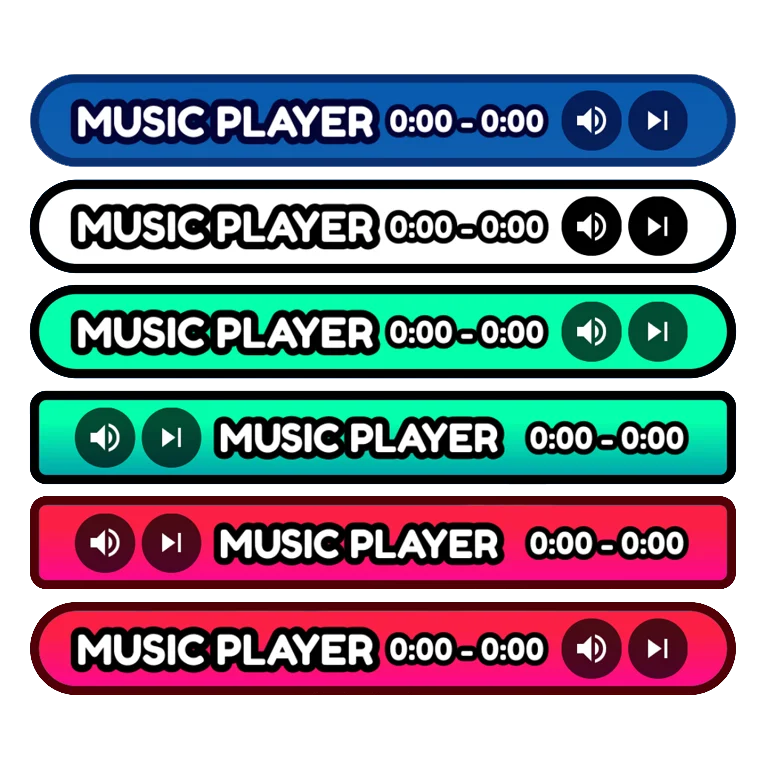
Music player designs
Seven skins, each with open and hide controls.
-
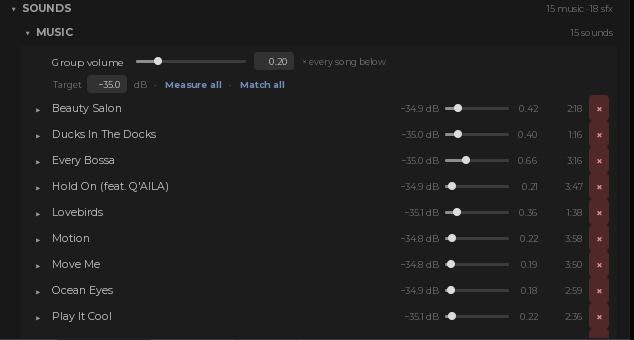
Fifteen tracks
Playing a random one from the first Play.
-
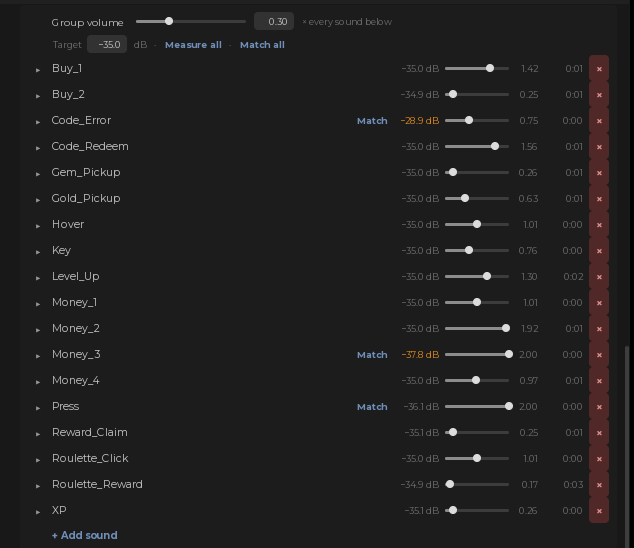
Even volumes
Every sound measured, the loud ones flagged.
-
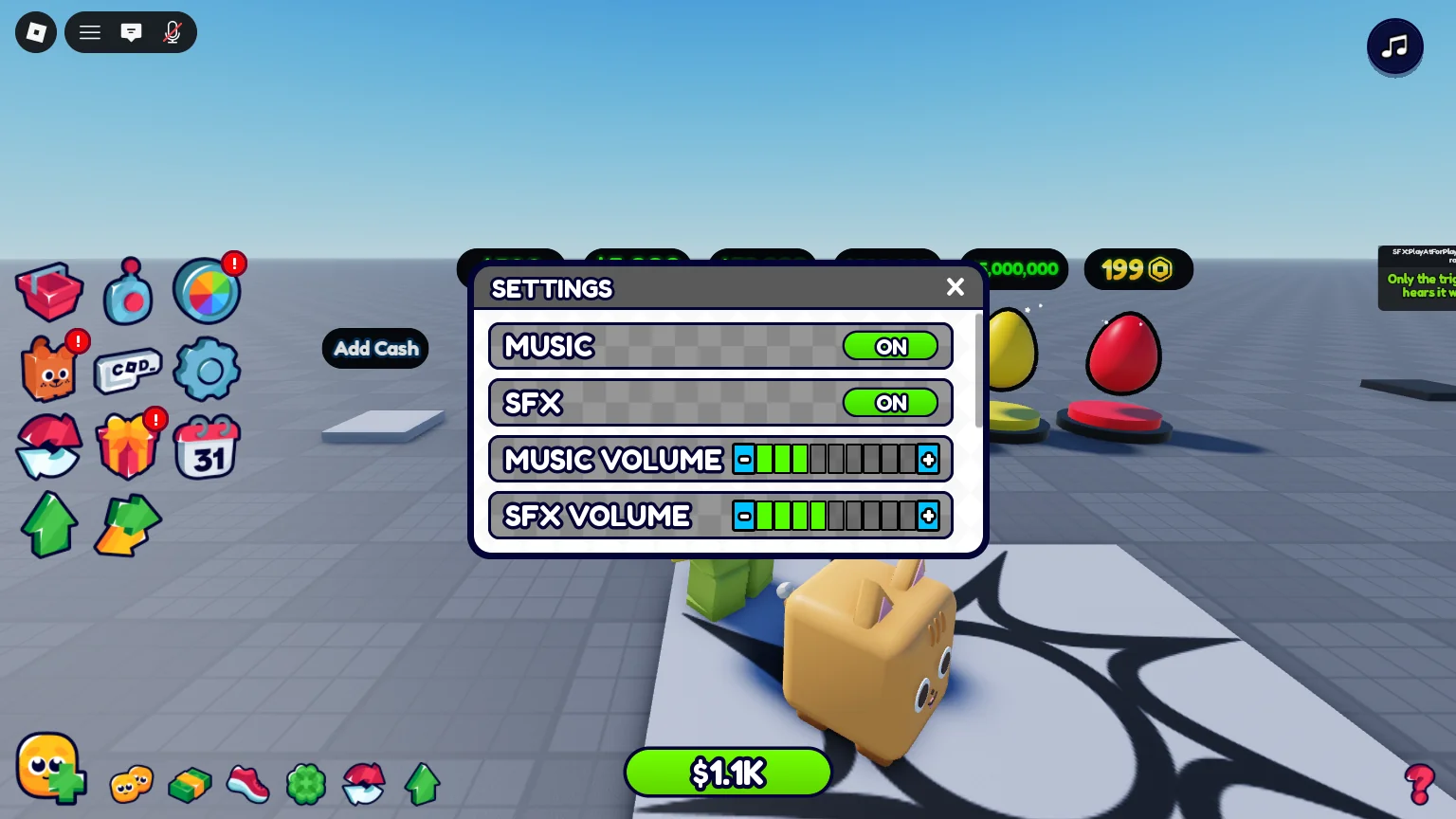
Player settings
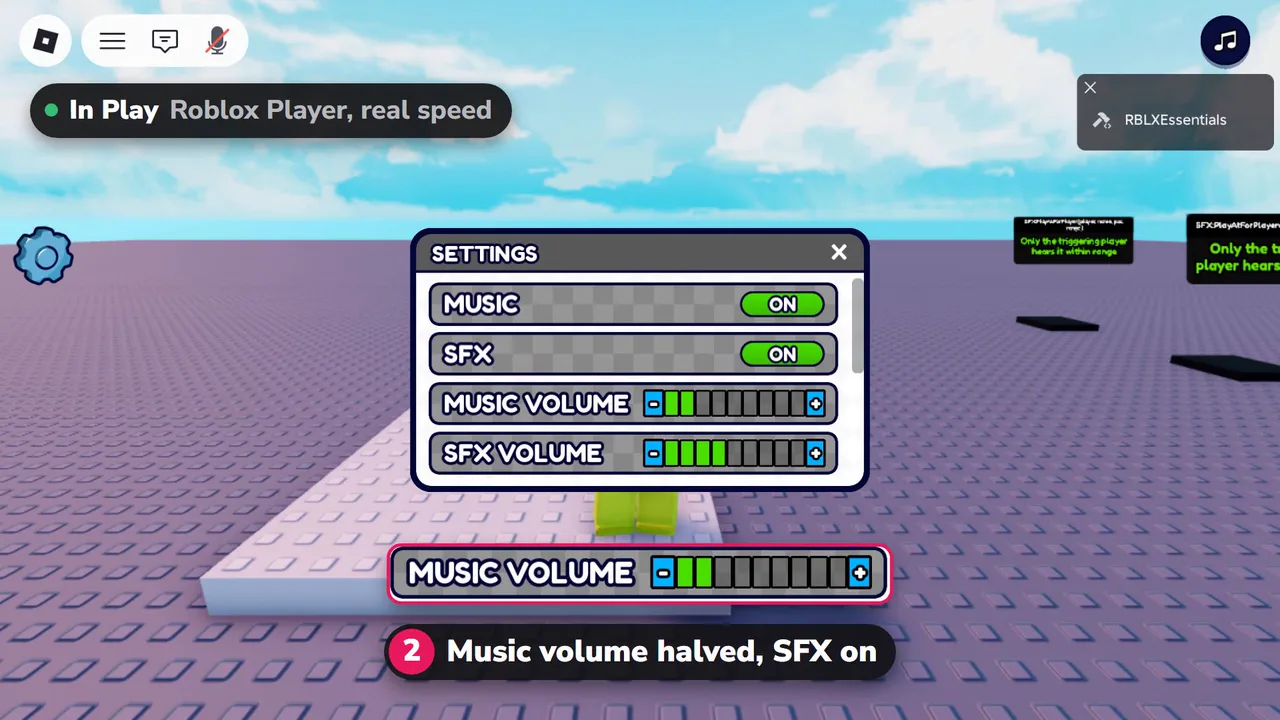
Music and SFX volume, set by each player.
In 3 steps
-
Install from the plugin card
Open the free plugin, go to My packs and press Install on Sound System & Music Player. What it needs installs with it.
-
Tell your AI
Claude Code, Codex or any agent connected to Studio sets it up from a plain request: "Halve the music volume and keep the sound effects on." Or change it by hand in the plugin.
-
Press Play
It works straight away. No script editing.
Pairs well with
-
 General UI Kit
Hover and press sounds on every button.
-
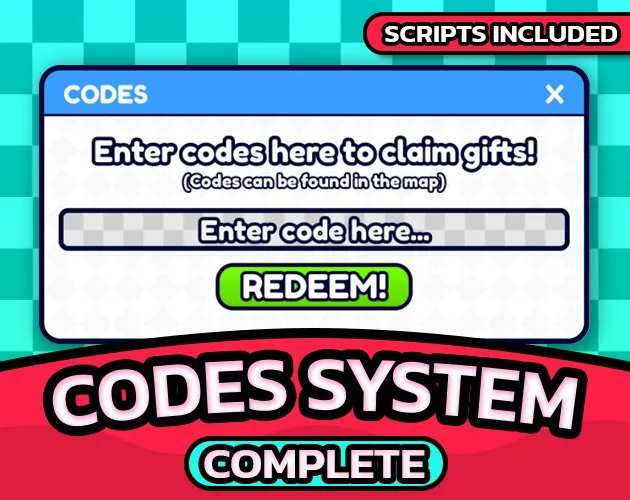 Codes System
A sound on every redeem.
-
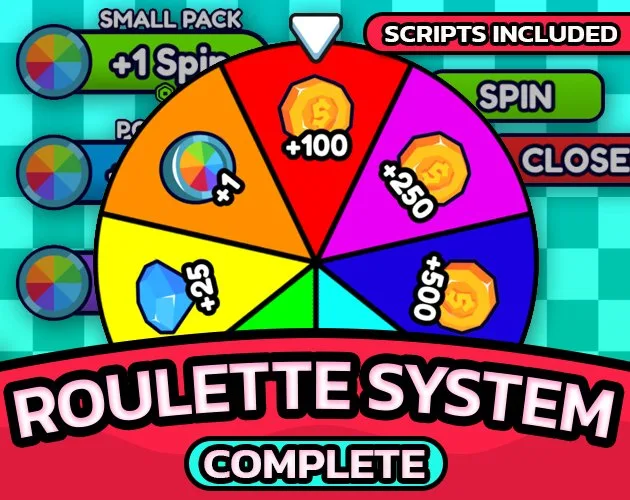 Roulette System
Spin and prize sounds.
FAQ
Does it need other packs?
No. It works on its own, and every other pack plays its sounds through it.
Every setting, the developer API and the changelog are in the docs. Read the docs

Sound System & Music Player
Free centralised Roblox audio: play any sound effect by name, a working music player GUI, per-sound volume and loudness matching across every track.