
Leaderboards System
Player stats and global leaderboards
Set up by your AI, or by hand in the free plugin.
- Version
- v3.2.0
- Last updated
- Oct 17, 2026
- Type
- Systems
- Requires
- Datastore & Purchase System
- Docs
- Read the docs Changelog
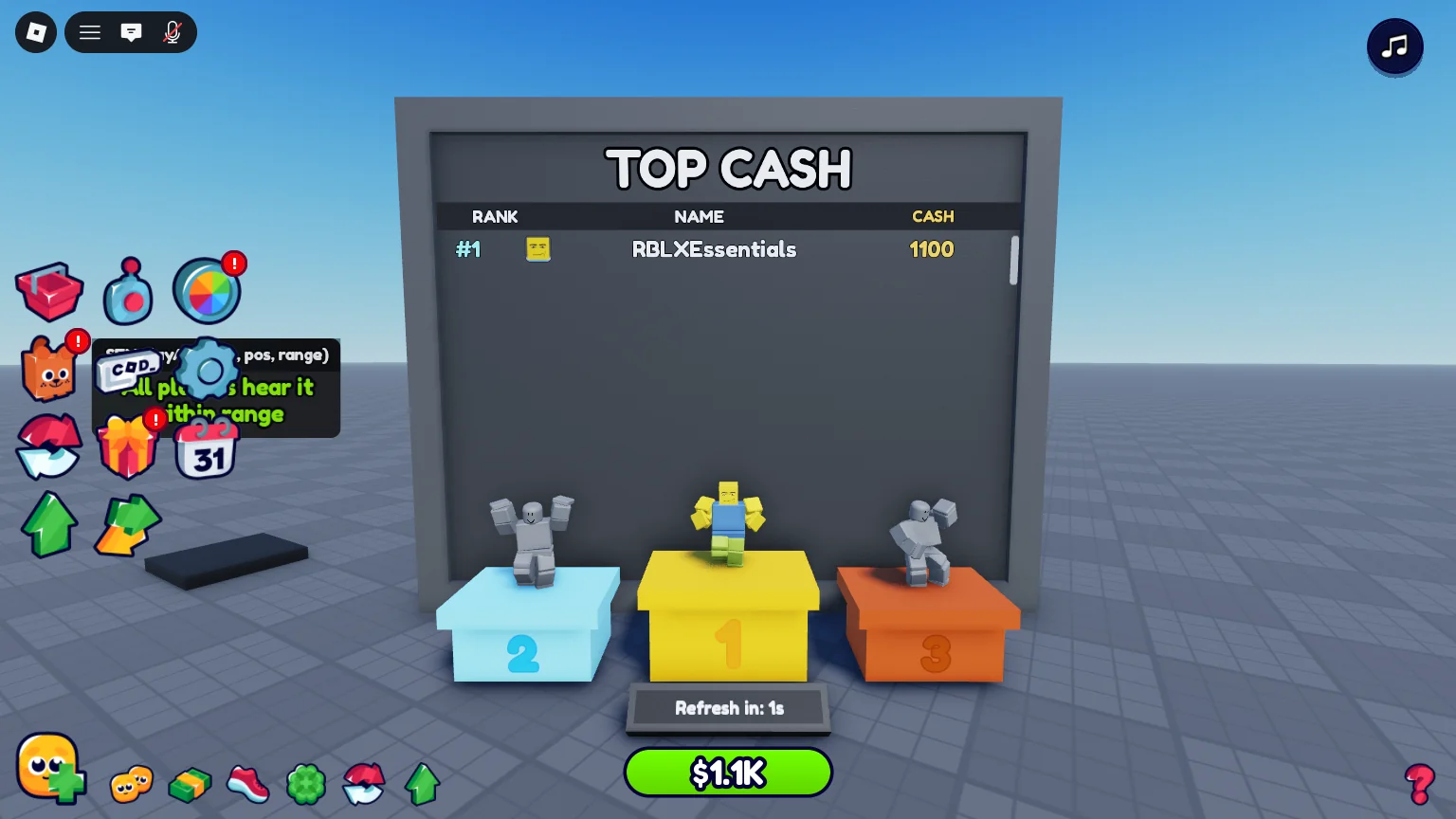
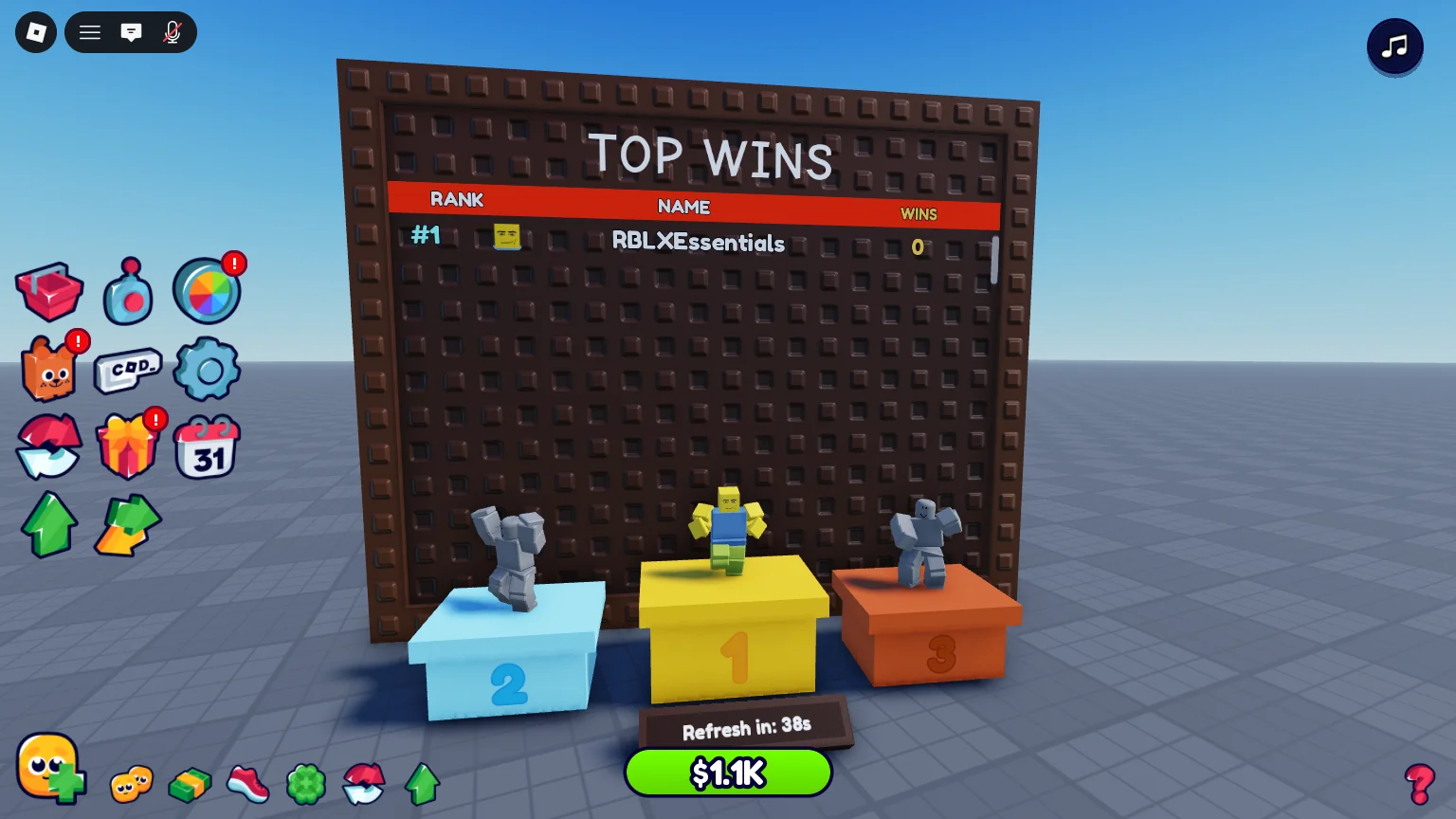
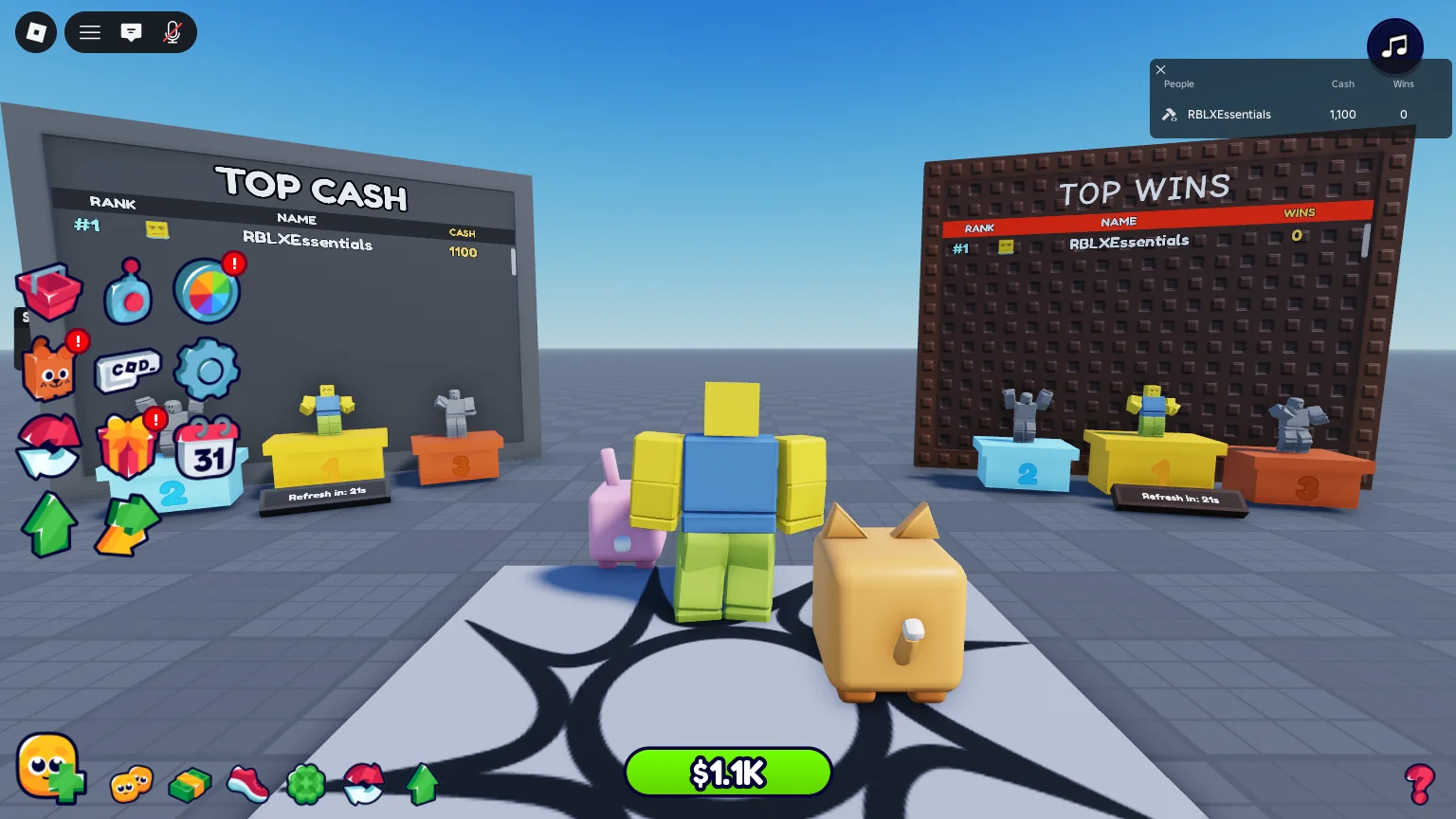
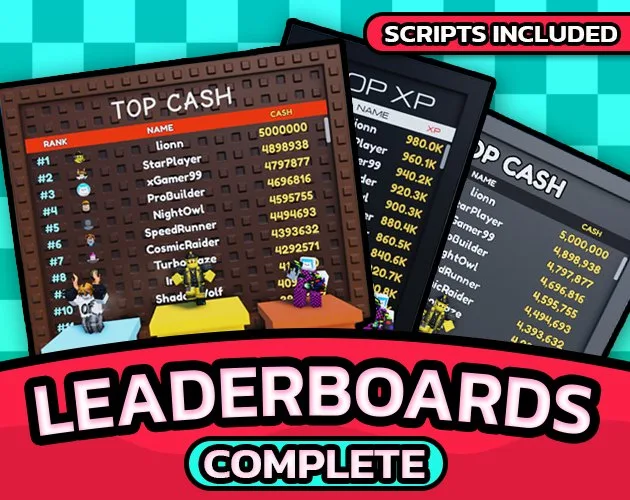
Leaderboards System shows your players' numbers: the Tab player list, and boards in your world with the top three on podiums.
What you get
-
Boards in your world
Ranks every player, not just this server.
-
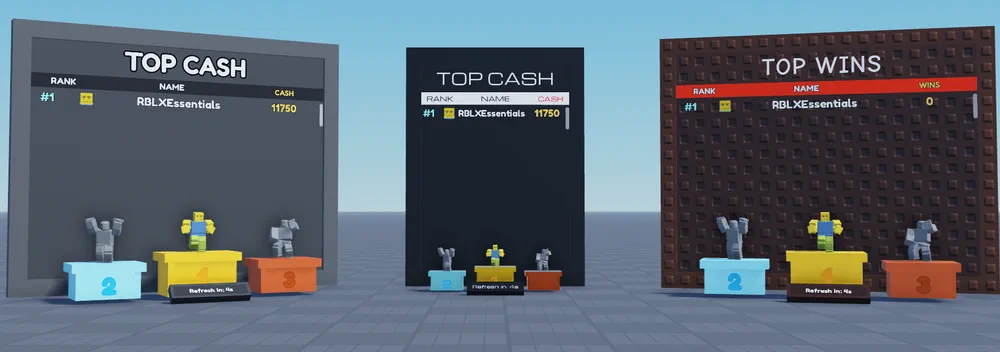
Three board designs
Each board picks its own look.
-
The Tab player list
Pick which stats show, and in what order.
-
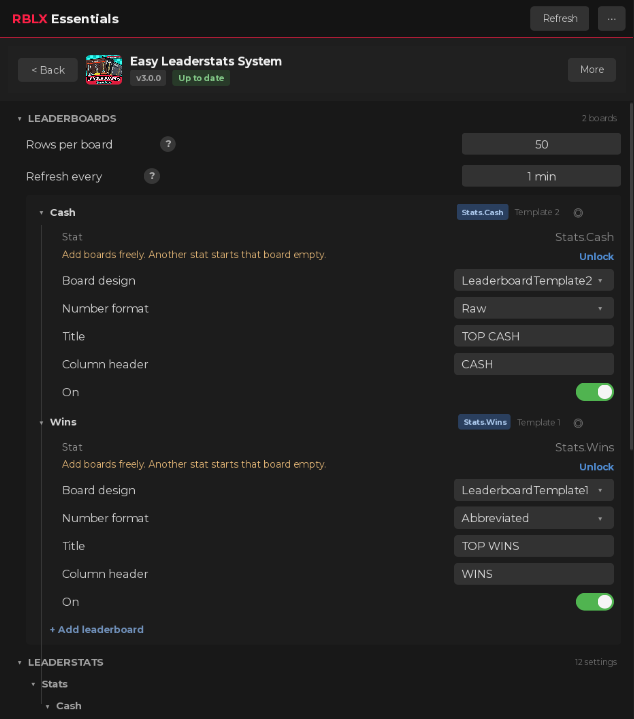
Set in the plugin
Rows, refresh time, number format and titles.
In 3 steps
-
Install from the plugin card
Open the free plugin, go to My packs and press Install on Leaderboards System. What it needs installs with it.
-
Tell your AI
Claude Code, Codex or any agent connected to Studio sets it up from a plain request: "Show Cash in short format, like 1.5K." Or change it by hand in the plugin.
-
Press Play
It works straight away. No script editing.
FAQ
Bought it in 2.x?
3.0 is free for you: install it from the plugin card, or download it from My library.
What does it need?
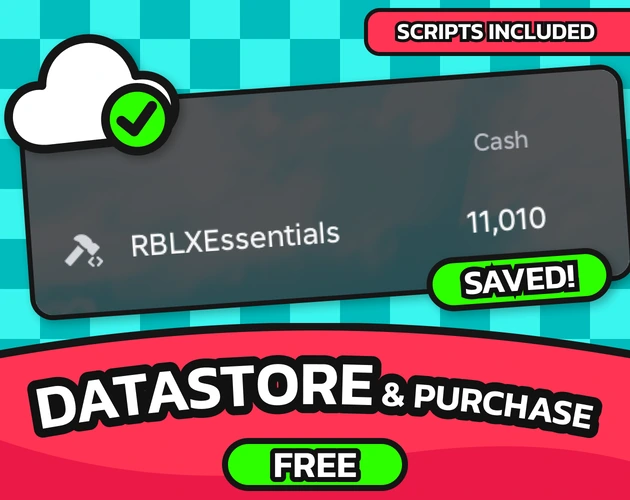
Datastore & Purchase System, free for everyone. It saves the stats the boards rank. The plugin installs it with this pack.
Every setting, the developer API and the changelog are in the docs. Read the docs
Leaderboards System
Tab-menu leaderstats plus physical in-world global leaderboards for Roblox, with top-three avatar podiums. Both configured from a Studio plugin panel.